62
Shooting Functions
3
Custom Image
You can set the image finishing tone before shooting. Select
from the following eight modes for Image Tone: Bright, Natural
(default setting), Portrait, Landscape, Vibrant, Muted, Reversal
Film and Monochrome. You can adjust the following parameters
for each mode.
*1 Not available when [Reversal Film] or [Monochrome] is selected.
*2 Available only when [Monochrome] is selected.
*3 Not available when [Reversal Film] is selected.
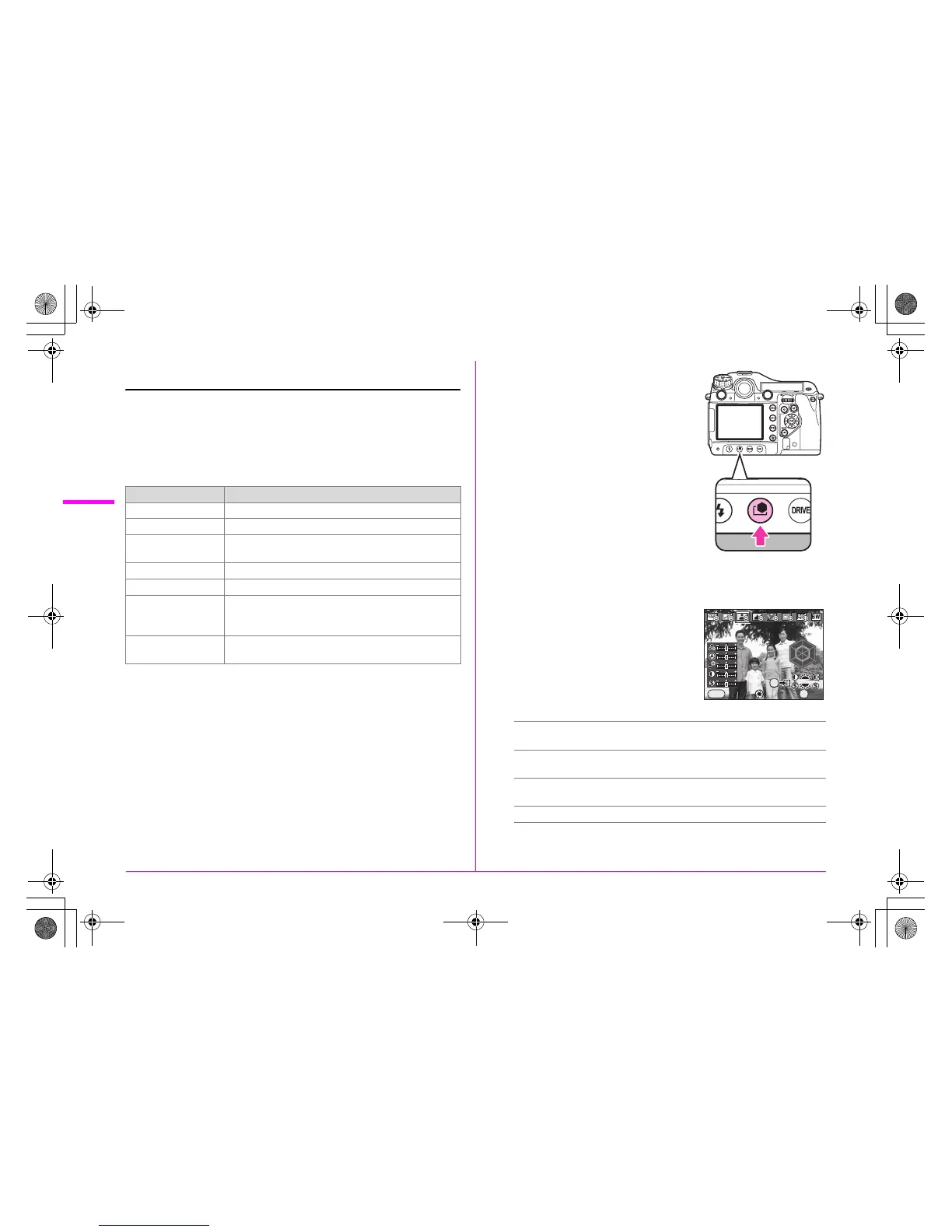
1 Press the y button.
The [Custom Image] setting screen
appears.
2 Use the 45 keys to choose the image tone
mode.
3 Use the 23 keys to select
the parameter you want to
change and use the 45
keys to change the setting.
Available operations
Parameter Setting
Saturation
*1
–4 to +4
Hue
*1
–4 to +4
Filter Effect
*2
None/Green/Yellow/Orange/Red/Magenta/Blue/
Cyan/Infrared Filter
Toning
*2
–4 to +4
High/Low Key Adj
*3
–4 to +4
Contrast
*3
–4 to +4
• [Contrast Highlight] and [Contrast Shadow] can be
added to make more advanced settings.
Sharpness
–4 to +4
• You can change [Sharpness] to [Fine Sharpness].
R dial Switches between enabling and disabling the
more advanced setting for contrast.
S dial Switches between [Sharpness] and [Fine
Sharpness].
Main switch (|) Displays the background image with Digital
Preview.
L button Saves the background image as a new file.



 To Next Page