35
Getting Started
2
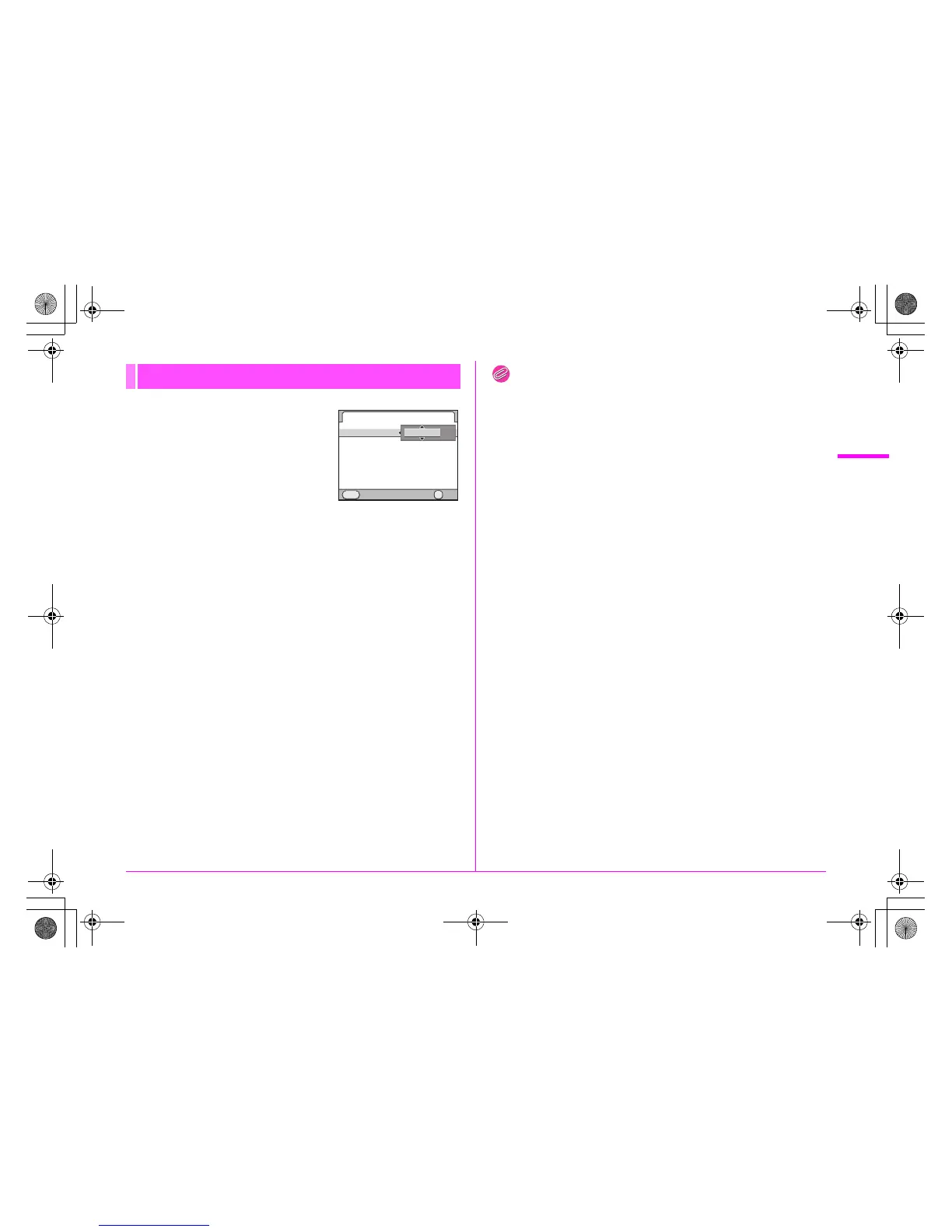
1 On the [Date Adjustment]
screen, press the 5 key and
use the 23 keys to choose
the date format.
Choose [mm/dd/yy], [dd/mm/yy] or [yy/
mm/dd].
2 Press the 5 key and use the 23 keys to select
[24h] (24-hour display) or [12h] (12-hour display).
3 Press the 5 key.
The frame returns to [Date Format].
4 Press the 3 key and then the 5 key.
The frame moves to the month.
5 Use the 23 keys to set the month, day and year.
6 Set the time in the same manner.
If you select [12h] in Step 2, the camera switches between am and
pm depending on the time.
7 Select [Settings complete] and press the 4
button.
The status screen is displayed and the camera switches to Capture
mode.
The seconds value is set to 0 seconds when the 4 button is
pressed.
Memo
• Pressing the 3 button while setting the date and time cancels
the settings and switches the camera to Capture mode. The [Initial
Setting] screen or the [Date Adjustment] screen will appear again
the next time the power is turned on.
• To change the date and time, use the [R1] menu. (z p.R23)
Date Adjustment
Date Adjustment
Date Format
Date
Time
Settings complete
Cancel OK
OK
MENU
/
/ 2010
00 00
:
/01 01
/
mm
dd yy
24h
//
e_kb487.book Page 35 Wednesday, December 8, 2010 9:49 AM



 To Next Page