R14
Rec. Mode Menu
A
Sets the quality level (compression ratio) of images when the
file format is set to JPEG.
Memo
• You can also set this by turning the R dial while pressing the
w or x button. (z p.43)
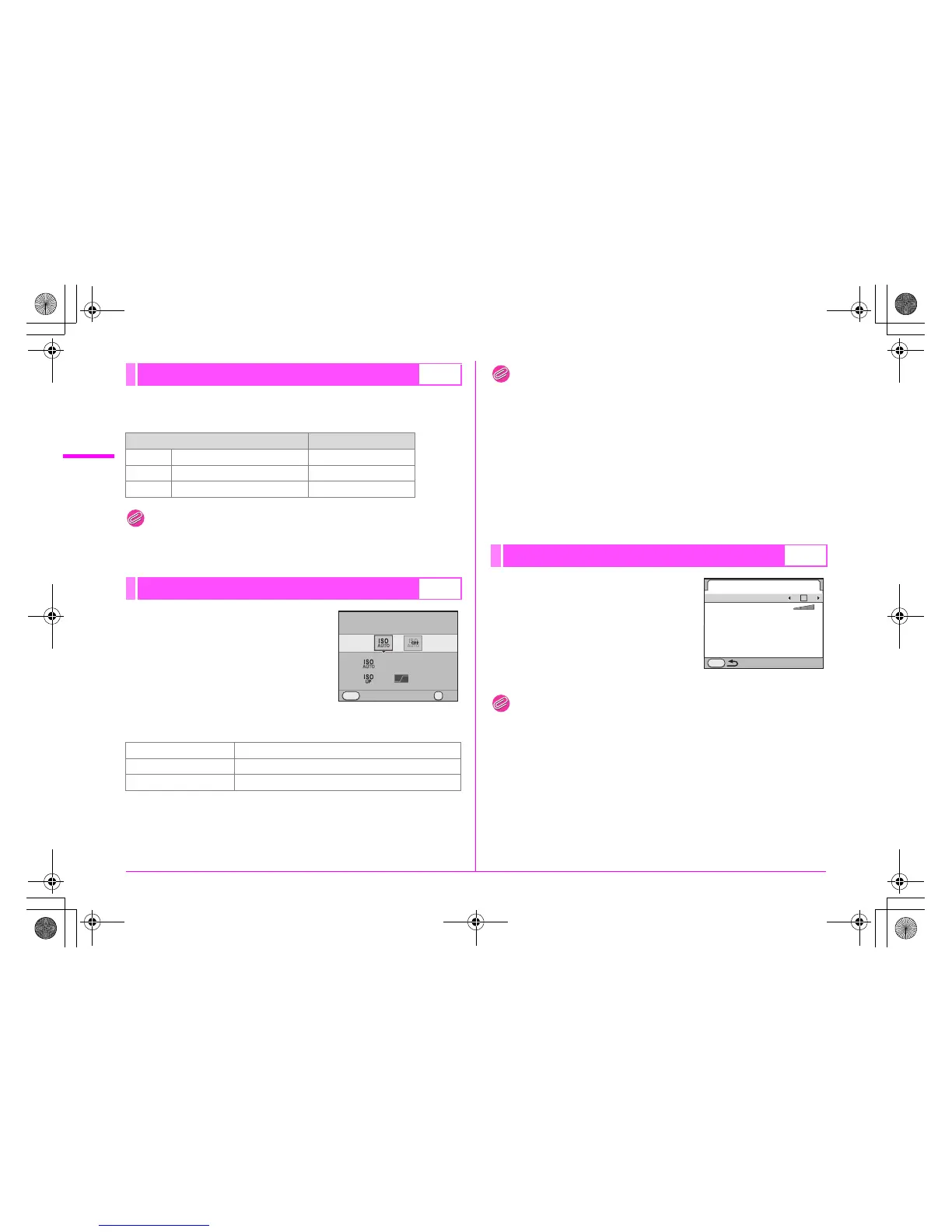
Sets the automatic adjustment range
and how to increase the sensitivity
when [Sensitivity] is set to [AUTO].
Select [ISO AUTO] and then select the
adjustment range and AUTO ISO
parameters. (The default settings are
[ISO 200 - 400] and s.)
AUTO ISO Parameters
Memo
• This function is not available when the exposure mode is set to K,
a, p or M.
• The sensitivity range can be expanded to a range of ISO 100 to
1600 when [3. Expanded Sensitivity] (p.R30) in the [A1] menu is
set to [On]. Note, however, that the following restrictions apply.
• Setting the sensitivity range to ISO 1600 makes overexposed
areas more likely to occur in the image.
• When [Highlight Correction] is set to O (On) in [D-Range
Setting] (p.R14) in the [A1] menu, the minimum sensitivity is
ISO 200.
Expands the dynamic range and the
light level expressed by the CCD
sensor and prevents bright and dark
areas from occurring. Set [Highlight
Correction] to O or P (default setting),
and set [Shadow Correction] to off
(default setting), low, medium or high.
Memo
• When [Highlight Correction] is set to O (On), the minimum
sensitivity is ISO 400. When [3. Expanded Sensitivity] (p.R30) is
set to [On] in the [A1] menu, the minimum sensitivity is ISO 200.
JPEG Quality A1
Quality Level Compression Ratio
C Best (default setting) 1/4.5
D Better 1/8
E Good 1/16
ISO AUTO Adjustment A1
u Slow Increases the sensitivity as little as possible
s Standard Standard (default setting)
a Fast Actively increases the sensitivity
ISO AUTO Adjustment
On
200 400-
MENU
OKCancel
OK
D-Range Setting A1
D-Range Setting
Highlight Correction
Shadow Correction
MENU
e_kb487.book Page 14 Wednesday, December 8, 2010 9:49 AM



 To Next Page