73
Playback and Processing Functions
4
*1 This cannot be set when [File Format] is set to [TIFF]. (The setting is
fixed to i.)
*2 This cannot be set for RAW images taken in Multi-exposure mode.
*3 This can be selected only when a compatible lens is attached.
6 Press the 4 button.
7 Select [Save as].
If you selected [Developing a Single Image] in Step 2, the message
[Image developed and stored. Continue developing?] appears.
Select [Continue] to develop other RAW images.
Memo
• You cannot save the background image or use Digital Preview with
Custom Image or White Balance.
• When [White Balance] is set to K (Manual), press the M
button to display the measuring screen.
Protecting Images
You can protect images from being accidentally deleted.
1 Select Z (Protect) in the playback mode palette.
2 Select [Single Image] or [All Images].
If [Single Image] is selected, use the 45 keys to select an image
to protect.
3 Select [Protect] or [Unprotect].
If [Protect] is selected, the image is protected and the Y icon
appears at the top right of the screen. If [Unprotect] is selected, the
protection is removed.
Caution
• When an SD Memory Card is formatted, all images including
protected images are deleted.
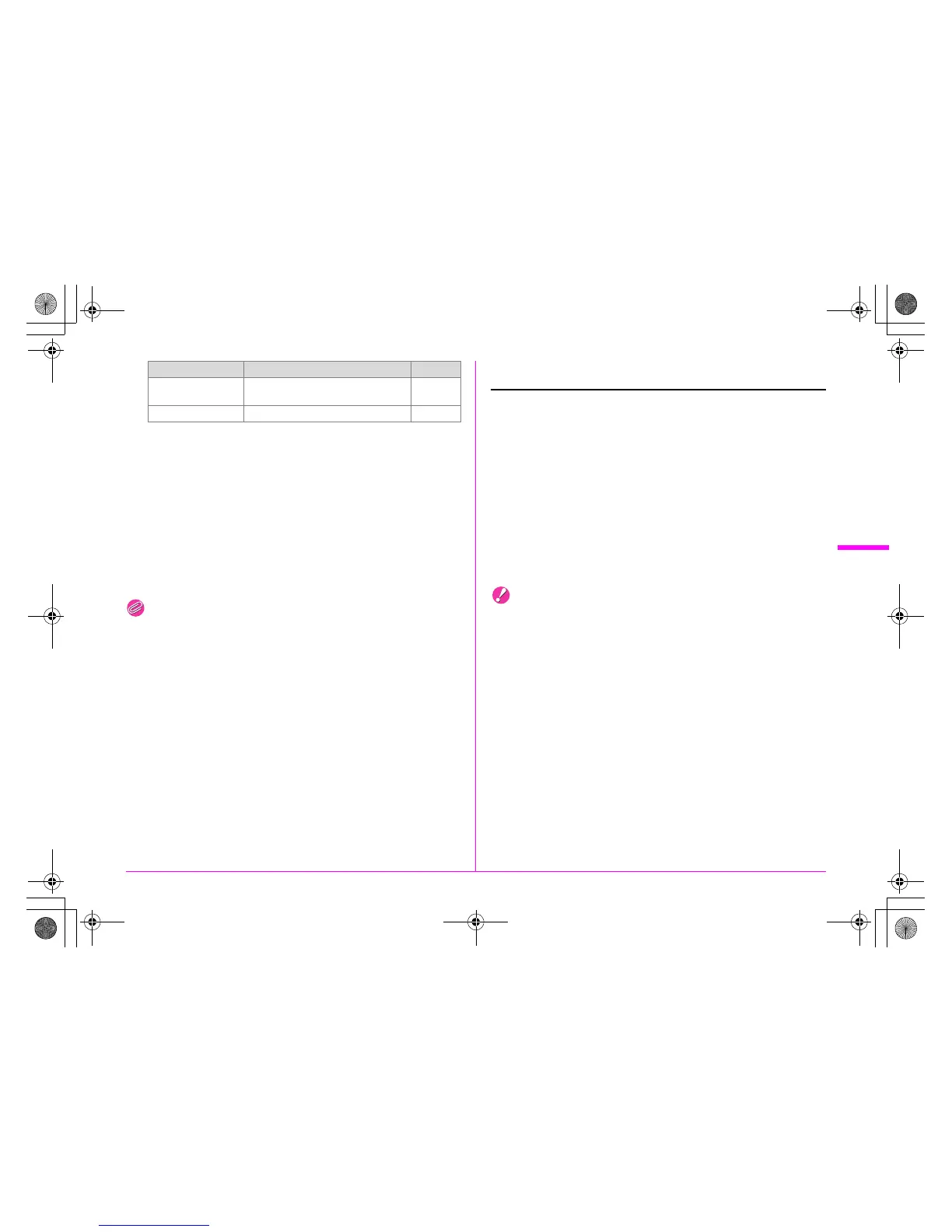
Lat-Chromatic-Ab
Adj
*3
Off/On z p.R15
Color Space sRGB/AdobeRGB z p.R19
Parameter Value Page
e_kb487.book Page 73 Wednesday, December 8, 2010 9:49 AM



 To Next Page