14
Before Using Your Camera
1
Display Indicators
The following indicators appear on the monitor depending on
the status of the camera.
Memo
• You can adjust the brightness and color of the monitor with
[Brightness Level] and [LCD Color Tuning] in the [R2] menu.
(z p.R24 - p.R25)
Guide indicators appear on the monitor for 3 seconds (default
setting) when the camera is switched on or the mode dial is
turned.
Memo
• To turn off the guide indicators, set [Guide Display] to [Off] in the
[R1] menu. (z p.R24)
Button and Dial Operations
You can operate both a button and e-dial, such as m and S or
] and R, to change the settings using either of the following
methods.
Hereafter, this Operating Manual explains by using the “Turn the
dial while pressing the button” operation.
Operation Confirming the Setting
Turn the dial while pressing the
button.
Take your finger off the button.
Press the button, take you finger
off the button, and then turn the
dial.
Press the button again or wait
until the meter operating timer
goes off.
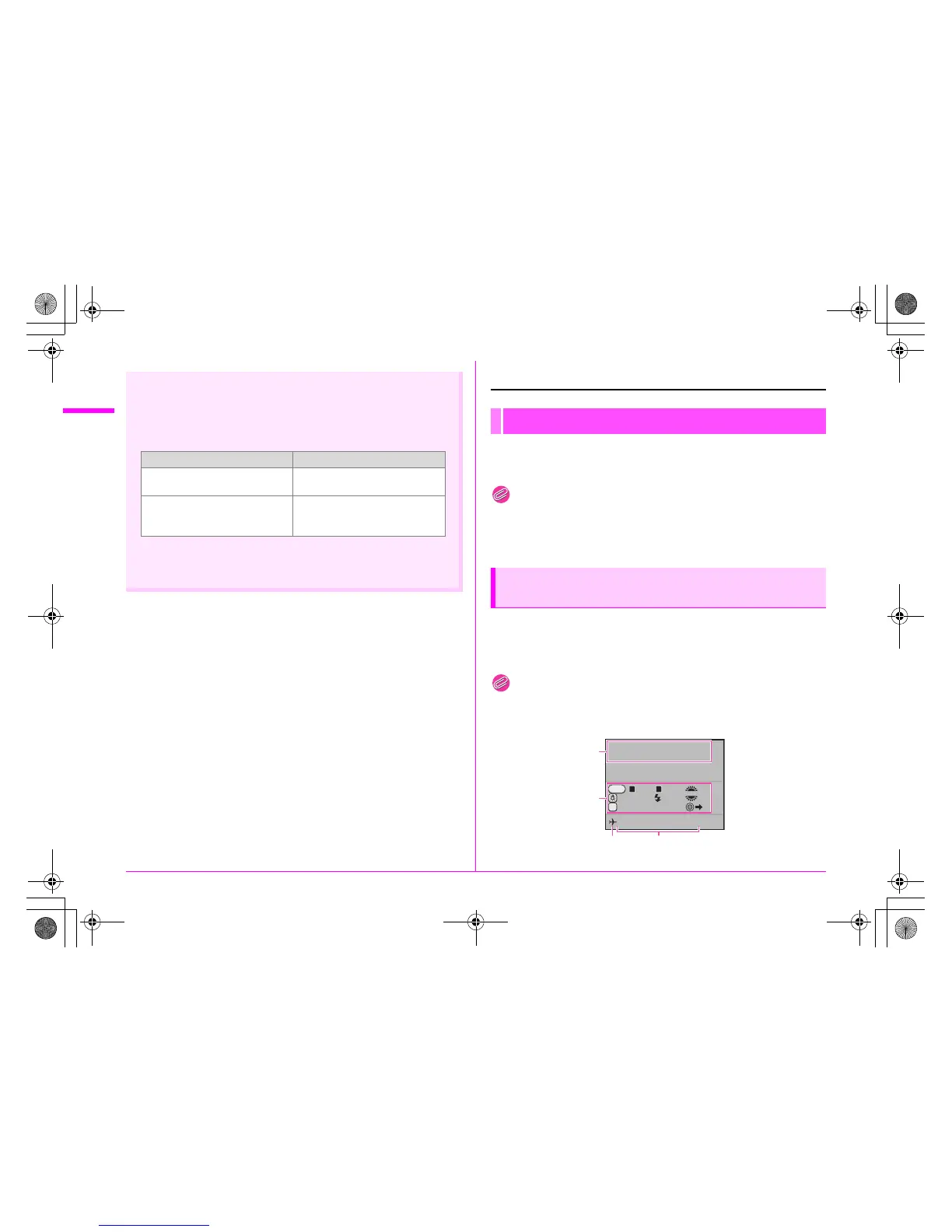
Monitor
At Start-up or when Operating the Mode
Dial
P
Program
Automatic Exposure
05/05/2010
Tv
Av
Cancel AF
MODELING
10:30AM
RAW
P
JPEG RAW
1 2
AF
1
2
34
e_kb487.book Page 14 Wednesday, December 8, 2010 9:49 AM



 To Next Page