74
Playback and Processing Functions
4
Rotating Images
When shooting vertically, rotation information is added to an
image so that it can be played back with the appropriate
orientation. You can change the rotation information and save
the image using the following procedure.
Memo
• Images with rotation information are rotated and displayed
according to the orientation of the camera. To cancel image
rotation, set [32. Auto Image Rotation] in the [A5] menu to [Off].
(z p.R35)
• To not add rotation information, set [31. Saving Rotation Info] in the
[A5] menu to [Off]. (z p.R35)
Caution
• Rotation information cannot be changed in the following situations.
• For protected images
• For images without rotation information
• When [32. Auto Image Rotation] in the [A5] menu is set to [Off]
(z p.R35)
1 Select the image to rotate and select s (Image
Rotation) in the playback mode palette.
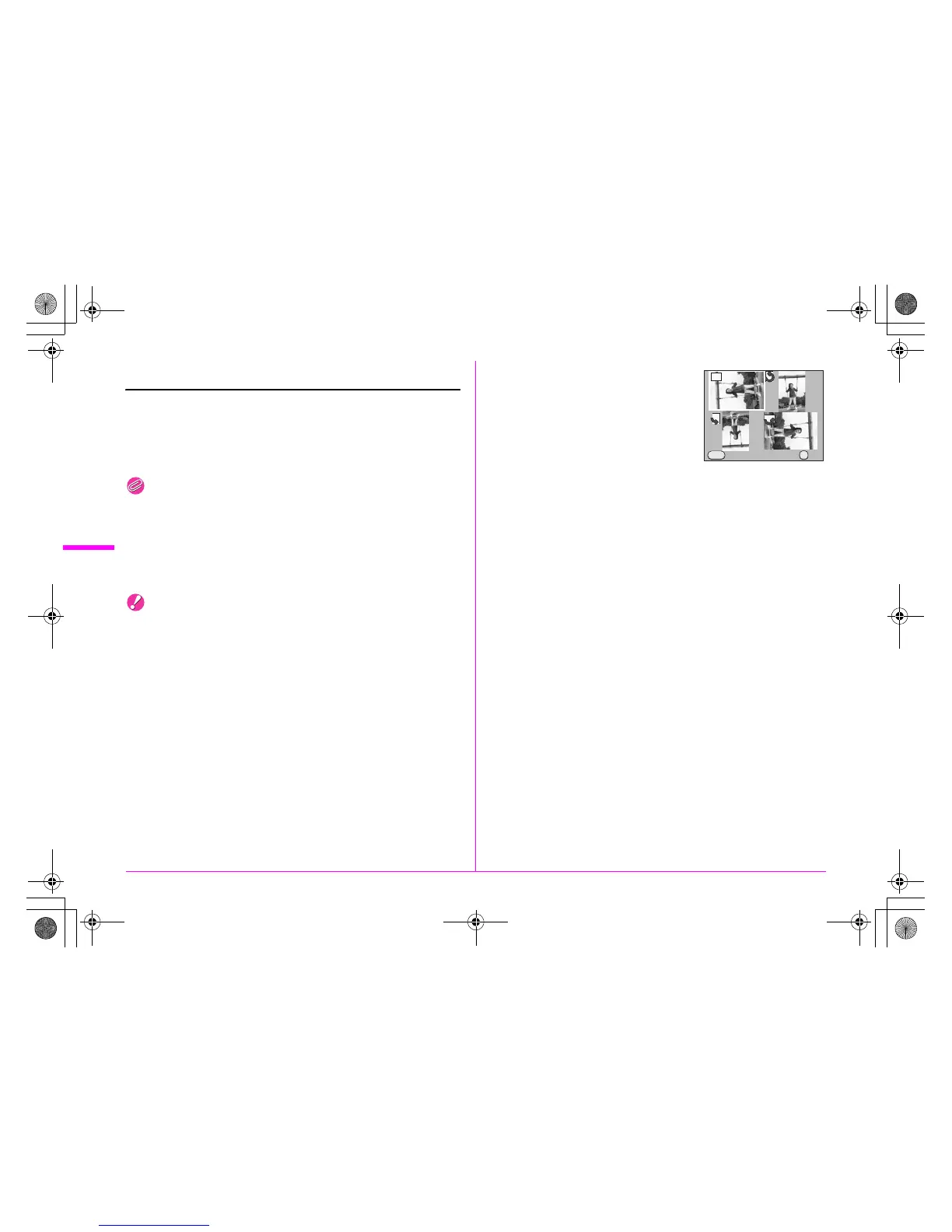
Four thumbnail images are displayed with the image rotated in 90°
increments.
2 Use the 2345 keys to
select the desired rotation
direction and press the 4
button.
The image rotation information is
changed.
Cancel OK
OK
MENU
e_kb487.book Page 74 Wednesday, December 8, 2010 9:49 AM



 To Next Page