68
Playback and Processing Functions
4
Displaying Multiple
Images
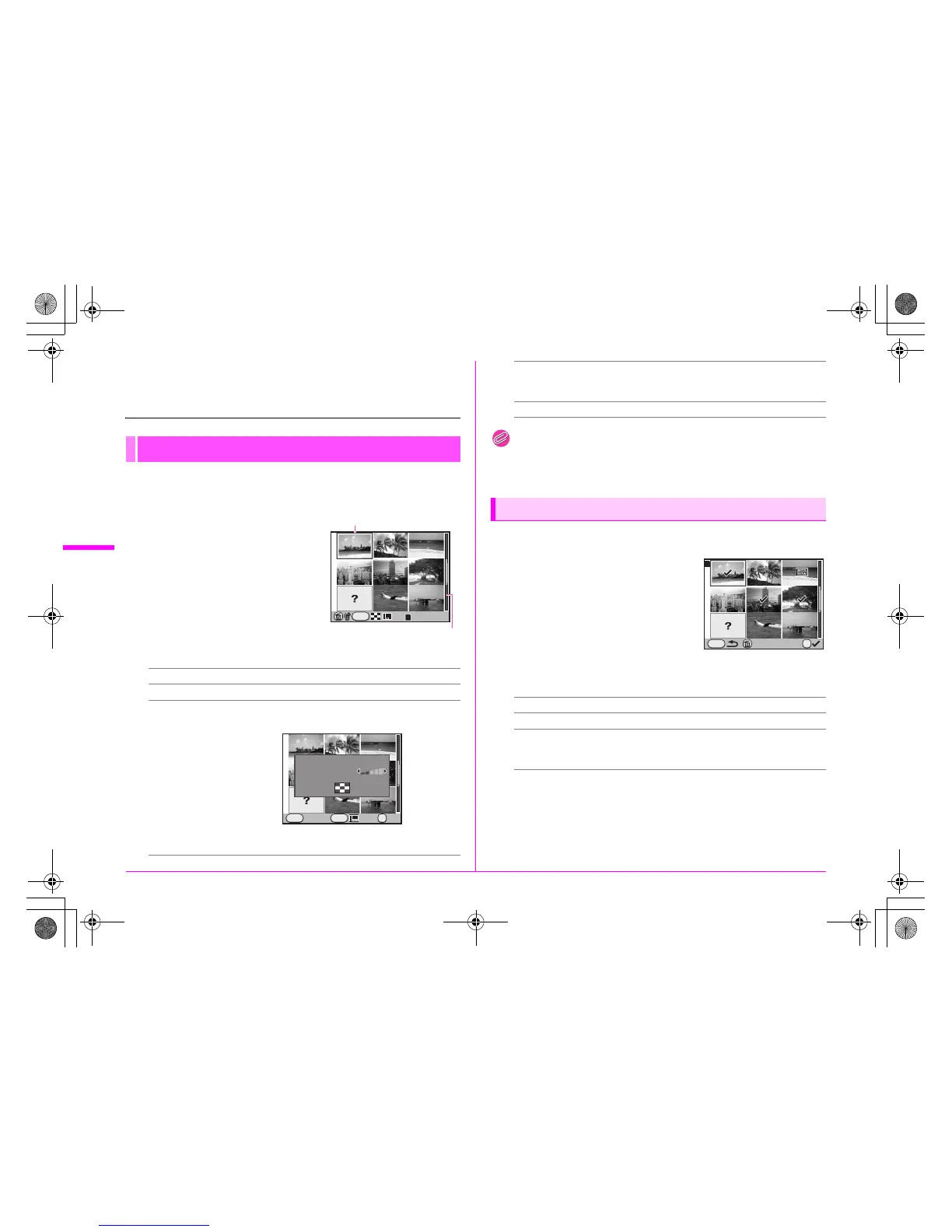
You can display 4, 9 (default setting), 16, 36 or 81 images on
the monitor at the same time.
1 Turn the S dial to the left
(f) in Playback mode.
Nine thumbnail images are
displayed at once.
Available operations
Memo
• Icons such as ? are not displayed on the thumbnail images during
81-image display.
You can delete up to 100 images at once.
1 In the multi-image display
screen, press the i button.
During 81-image display, the screen
temporarily changes to 36-image
display.
2 Select the images to delete.
Available operations
3 Press the i button and select [Select & Delete].
Multi-image Display
2345 keys Moves the selection frame.
4 button Displays a full screen display of the selected image.
M button
Displays the [Multi-img Display Setting] screen. Select
the number of images to display at the same time.
(This is not available when developing multiple RAW
images (p.72).)
INFO
100-0001
1
Selection frame
Scroll bar
INFO
Cancel OK
OK
MENU
Multi-img Display Setting
Display Type
u button/
w button/
x button
Switches between the SD Memory Cards.
i button Selects the images and deletes them.
Select & Delete
2345 keys Moves the selection frame.
4 button Selects (z) or deselects an image.
S dial Displays the selected image at full screen.
(45 keys: Displays the next or previous
image.)
Delete
OK
MENU
1
e_kb487.book Page 68 Wednesday, December 8, 2010 9:49 AM



 To Next Page