R8
Menu Descriptions and Default Settings
*1 Reset with [Reset] in the [R3] menu.
*2 Depends on the initial setting.
*3 Depends on the [WHometown] setting of the initial setting.
*4 Reset with [Reset File Name] in the [File Name] screen.
R2
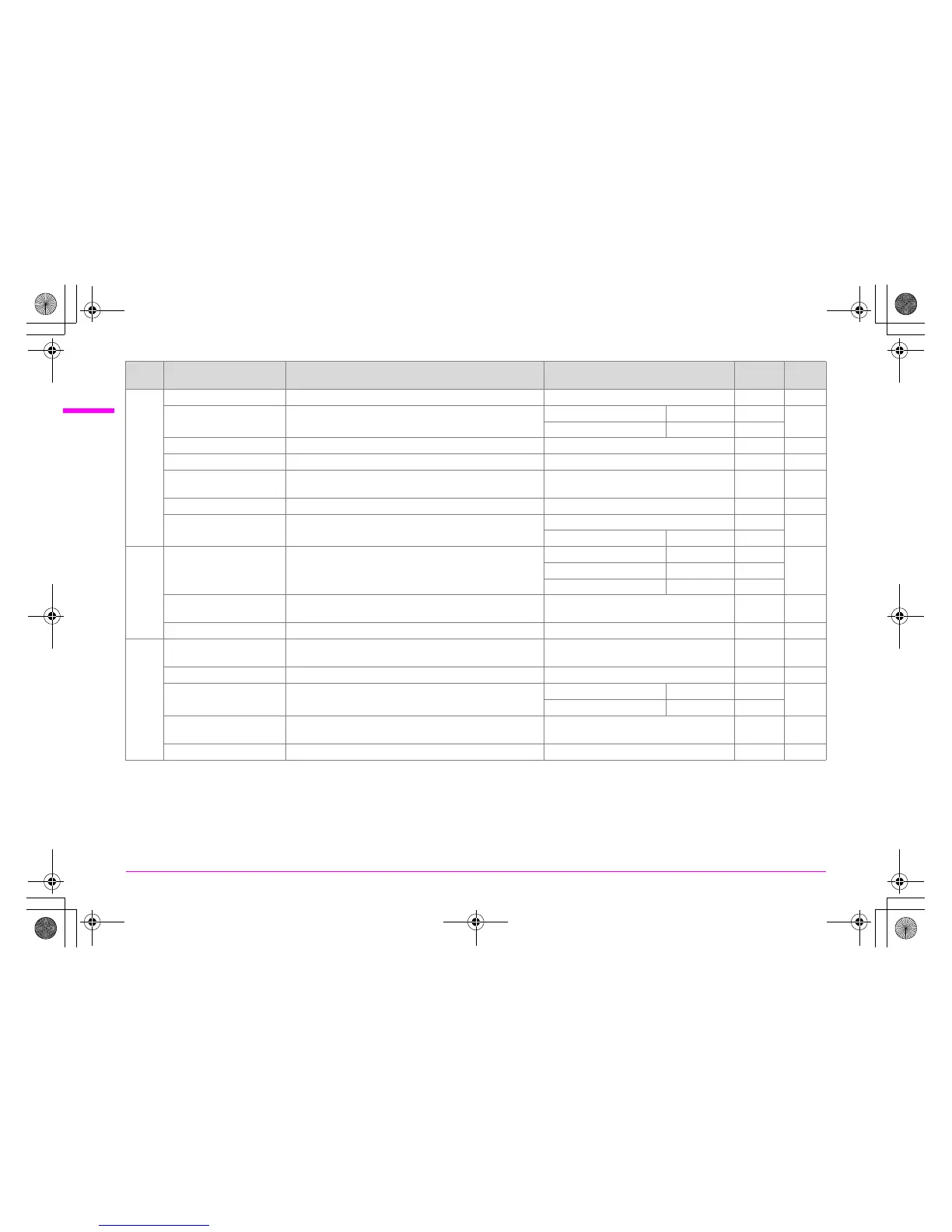
Brightness Level Adjusts the brightness of the monitor. ±0 Yes p.R24
LCD Color Tuning Adjusts the color of the monitor.
G-M axis ±0 Yes
p.R25
B-A axis ±0 Yes
Video Out Sets the output format of the VIDEO terminal.
*3
No p.R25
HDMI Out Sets the output format of the HDMI terminal. Auto Yes p.R25
USB Connection
Sets the USB connection mode when connected to a
computer.
MSC Yes p.R25
Folder Name Sets the method for assigning folder names. Date Yes p.R26
File Name Sets the method for assigning file names.
IMGP/_IGP No
*4
p.R26
Reset File Name – –
R3
Copyright Information
Sets the photographer and copyright information
embedded to Exif.
Embed Copyright Data P No
p.R27Photographer – No
Copyright Holder – No
Auto Power Off
Sets the length of the time until the camera automatically
turns off.
1min. Yes p.R27
Reset Resets all settings. – – p.R28
R4
Pixel Mapping
Maps out and corrects any defective pixels in the CCD
sensor.
––p.R28
Dust Alert Detects dust on the CCD. – – p.R28
Dust Removal Cleans the CCD.
Dust Removal – –
p.R29
Start-up Action O Yes
Sensor Cleaning
Raises the mirror up when cleaning the CCD with a
blower.
––p.R29
Format Formats an SD Memory Card. – – p.R29
Menu Item Description Default Setting
Reset
Setting
*1
Page
e_kb487.book Page 8 Wednesday, December 8, 2010 9:49 AM



 To Next Page