117
Shooting Functions
4
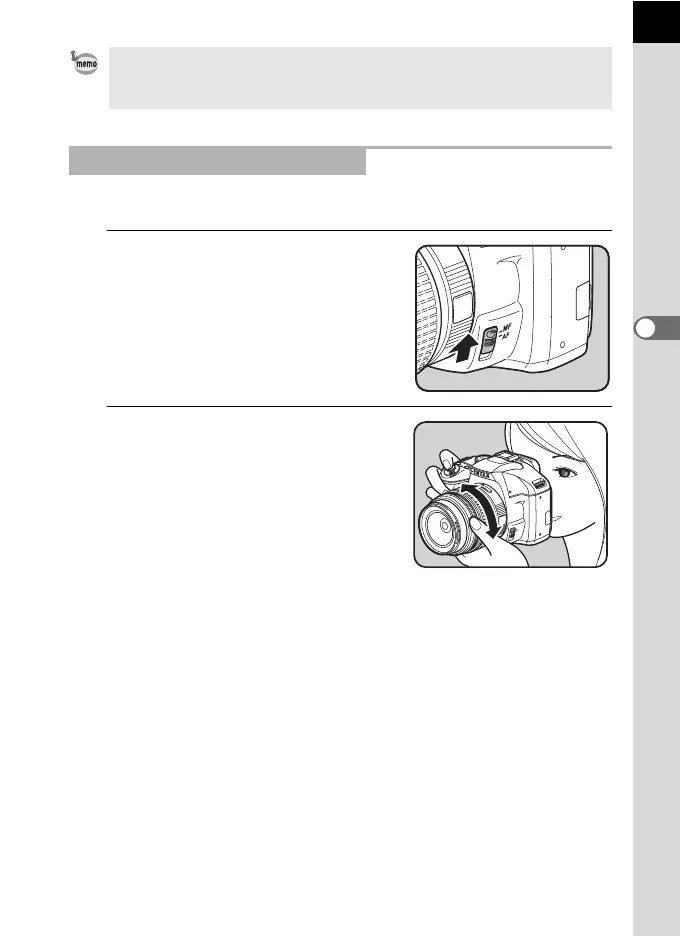
You can manually adjust the focus using the matte field in viewfinder.
1
Set the focus mode lever to \.
2
Look through the viewfinder and
turn the focusing ring until the
subject looks sharp on the
focusing screen.
• Focus manually using the matte field in the viewfinder when the subject is
difficult to focus (p.63) and the focus indicator will not appear.
• The beep that sounds when the image is focused can be turned off. (p.215)
Using the Viewfinder Matte Field
M
F
AF



 To Next Page
 Loading...










