70
Basic Operations
3
You can change the flash output in a range of –2.0 to +1.0. The flash
compensation values are as follows for 1/2 EV and 1/3 EV.
Set interval of steps in [1. EV Steps] (p.105) in the [A Custom Setting 1] menu.
Compensating Flash Output
Step interval Flash compensation
1/2 EV
–2.0, –1.5, –1.0, –0.5, 0.0, +0.5, +1.0
1/3 EV
–2.0, –1.7, –1.3, –1.0, –0.7, –0.3, 0.0, +0.3, +0.7, +1.0
Daylight-Sync Shooting
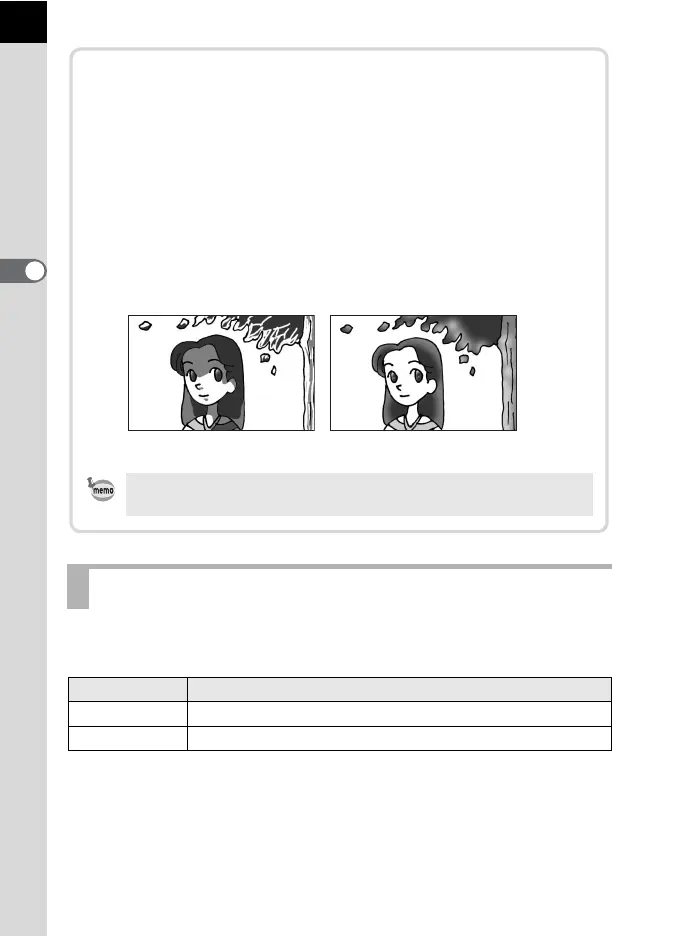
In daylight conditions, the flash will eliminate shadows when a portrait
picture is taken with a person’s face cast in shadow. Use of the flash
in this way is called Daylight-Sync Shooting. Flash On is used when
shooting with Daylight-Sync Shooting.
Taking pictures
1 Pop up the flash manually and confirm that Flash Mode is set to
E. (p.68)
2 Confirm that the flash is fully charged.
3 Take a picture.
Without Daylight-Sync With Daylight-Sync
The picture may be overexposed if the background is too bright.



 To Next Page
 Loading...










