128
Shooting Functions
4
The shutter can be released from a distance by using the optional remote
control unit. You can select h (immediate shutter release) or i (3 sec.
delayed release) for remote control shooting.
1
Mount the camera onto a tripod.
2
Press the four-way controller (2) in Capture mode.
The [Drive Mode] screen appears.
3
Use the four-way controller (45) to select h.
4
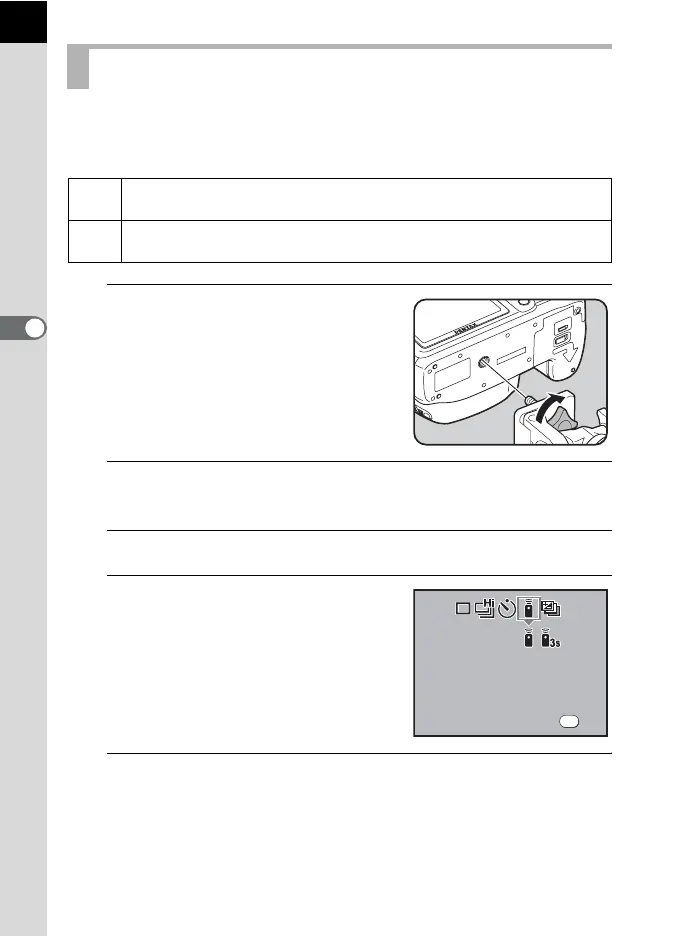
Press the four-way controller (3)
and use the four-way controller
(45) to select hor i.
The self-timer lamp will blink to let you
know that the camera is in remote control
wait status.
5
Press the 4 button.
The camera returns to the status screen and is ready to take a picture.
Shooting with the Remote Control (Optional)
h
The shutter will be released immediately after the shutter release button
on the remote control unit is pressed.
i
When the shutter release button on the remote control unit is pressed, the
shutter is released after about 3 seconds.
OK
OK
D r i v e M o de
R e m o t e c on tr ol
Drive Mode
Remote control



 To Next Page
 Loading...










