171
Playback Functions
7
You can display images by recording date or by folder name.
Images will be grouped and displayed by recording date.
1
Turn the e-dial to the left (toward
f) in the multi-image display
screen.
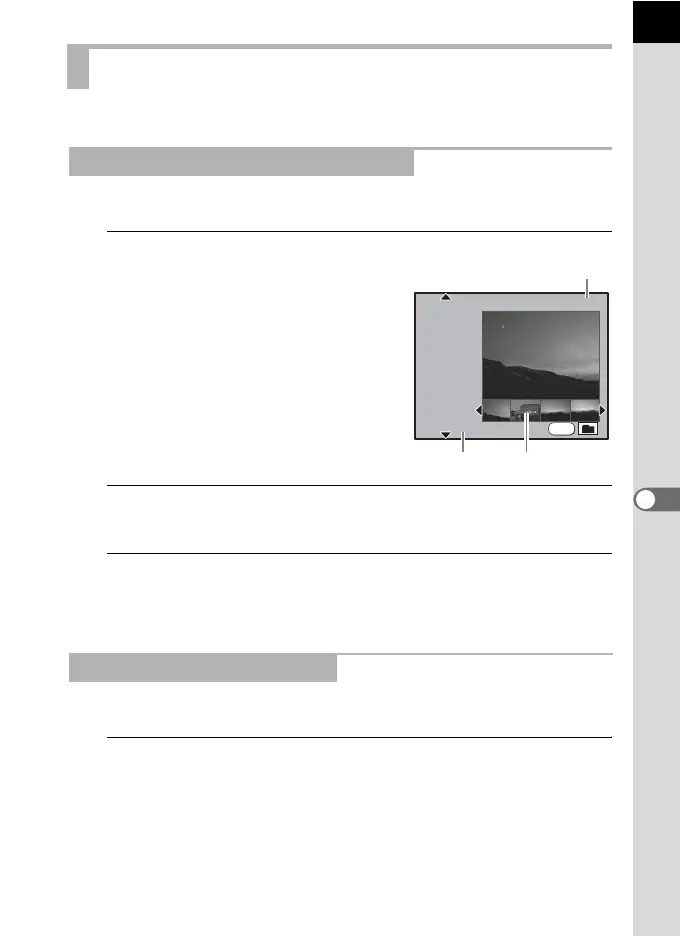
The calendar display screen appears.
Only dates when pictures were taken are
displayed.
2
Use the four-way controller (23) to select the recording
date.
3
Use the four-way controller (45) to select an image.
Press the 4 button to display the image selected in single-image
playback.
Images will be grouped and displayed by the folder in which they are saved.
1
Turn the e-dial to the left (toward f) in the multi-image
display screen.
The calendar display screen appears.
Calendar Display/Folder Display
Displaying Images by Recording Date
Displaying Images by Folder
INFO
2008.
WED
TEU
MON
TUE
SAT
SUN
7
2/15
9
2008.
8
11
12
10
2008.
9
6
7
Thumbnail
Number of images recorded
in this date
Recording date



 To Next Page
 Loading...










