169
Playback Functions
7
Displaying Multiple Images
You can display 4, 9 or 16 images on the monitor at the same time.
The default setting is 9-image display. The number of images can be
changed but 9-image display is explained here.
1
Press the Q button.
2
Turn the e-dial to the left (toward
f).
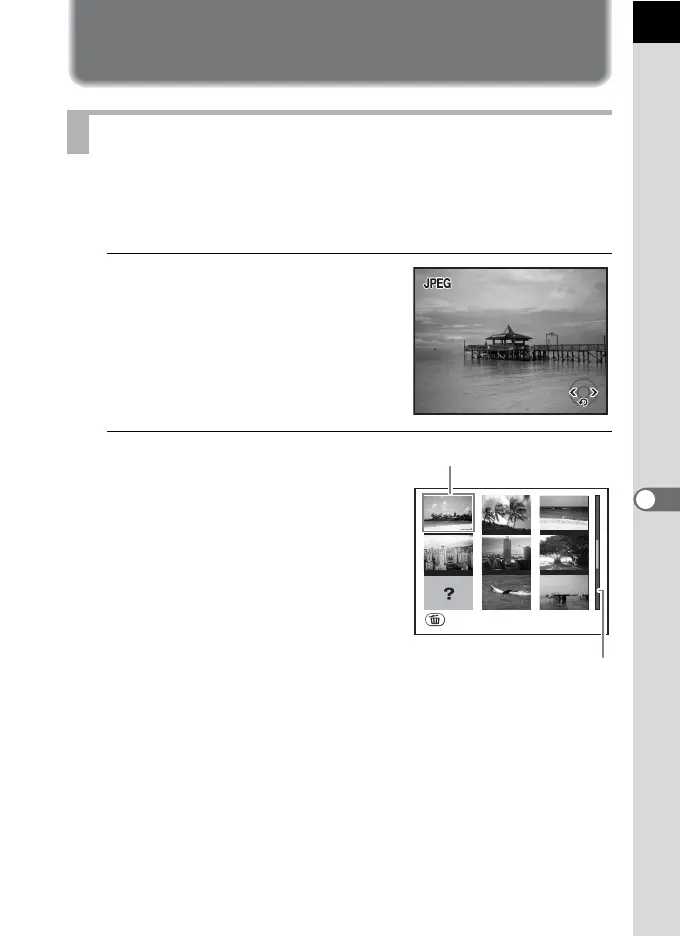
The multi-image display screen appears.
Up to nine thumbnail images will be
displayed at once. Use the four-way
controller (2345) to select an image.
A scroll bar appears at the right of the
screen. With an image selected in the
bottom row, pressing the four-way
controller (3) displays the next nine
images.
[?] appears for an image that cannot be
displayed.
Multi-image Display Screen
100-0046
100-0046
1/2000
F5.6
1/2000
F5.6
100-0046
Select&Delete
Scroll bar
Frame



 To Next Page
 Loading...










