217
Camera Settings
10
4
Press the four-way controller (3).
The selection frame moves to X (Destination setting).
5
Press the four-way controller (5).
The screen for setting the Destination city appears.
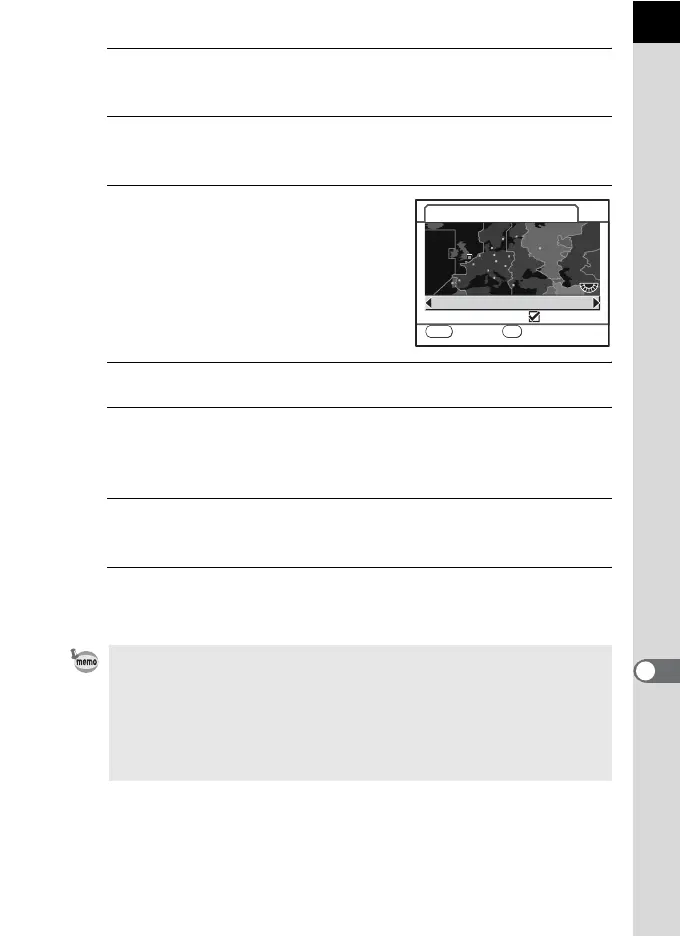
6
Use the four-way controller (45)
to select a destination city.
Turn the e-dial to change the region.
The current time, location and time
difference of the selected city appears.
7
Use the four-way controller (3) to select [DST].
8
Use the four-way controller (45) to select O (On) or P
(Off).
Select O (On) if the destination city uses daylight saving time (DST).
9
Press the 4 button.
The destination setting is saved.
10
Press the 3 button twice.
The screen that was displayed before selecting the menu appears again.
• See “List of World Time Cities” (p.218) for cities that can be specified as a
destination.
• Select W (Hometown setting) in Step 4 to set the city and DST setting.
• X appears in the guide display and status screen if World Time is set to
X (Destination). (p.22)
• When you switch World Time to X (Destination), the video output (p.225)
setting changes to the default setting for that city.
MENU
15:00
+06:00
Destination
London
DST
X
Cancel OK
OK



 To Next Page
 Loading...










