Serial Port Profiles
106 IOLAN SDS/SCS/STS User’s Guide, Version 3.6
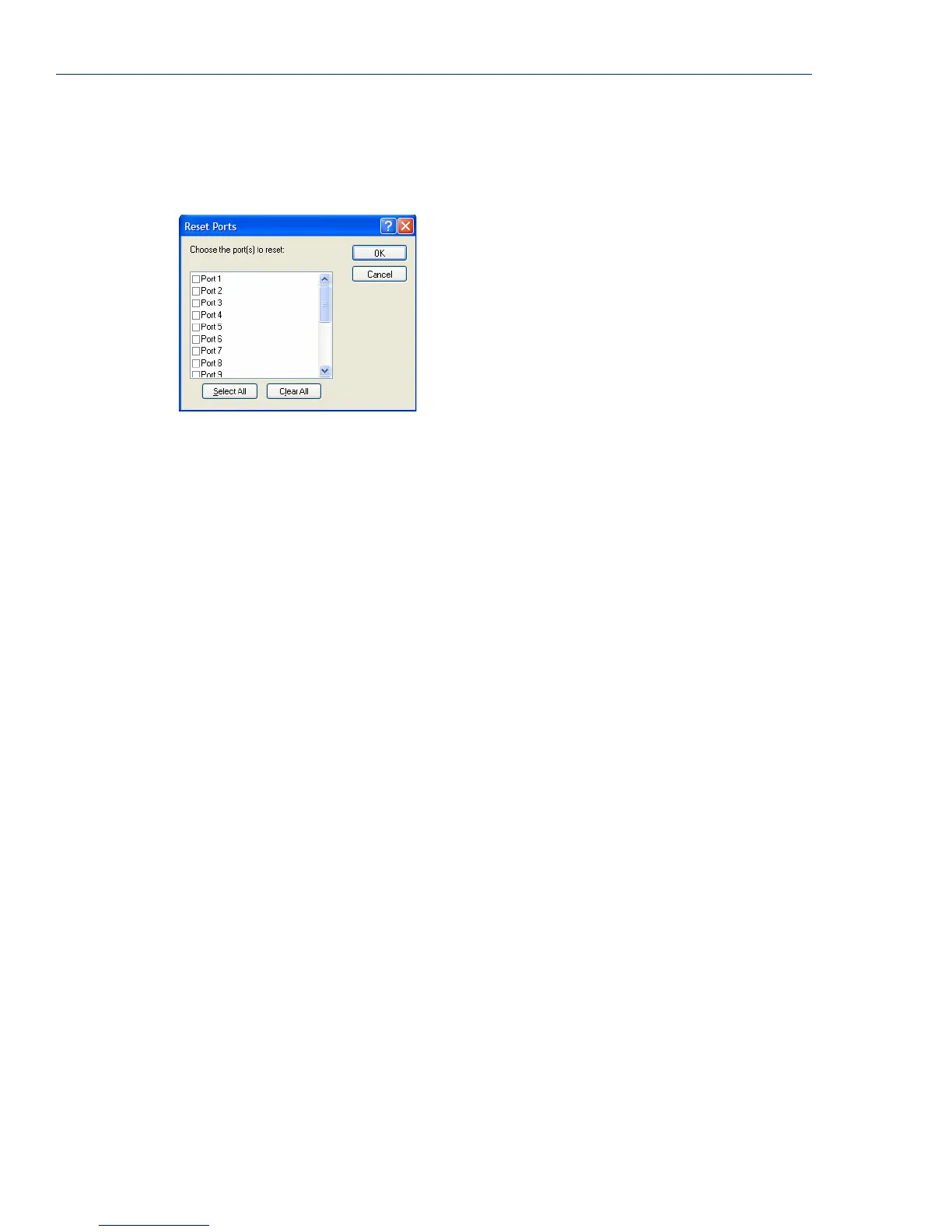
Resetting a Serial Port
When you change a serial port’s configuration, you can download the configuration file to the
IOLAN and then reset a specific serial port(s) to see how you change affects the serial port’s
behavior. To reset a serial port, select
Tools, Reset, Serial Port(s).
Serial Port Profiles
Common Tabs
Overview
There are several functions that are common to more than one profile. These functions are:
z Hardware—Configure the physical serial line parameters. See Hardware Tab Field
Descriptions on page 107.
z Email Alert—Configure email alerts for the serial line (these can also be configured globally for
all lines under the
System settings). See Email Alert Tab Field Descriptions on page 109.
z Packet Forwarding—Configure data packet parameters. See Packet Forwarding Tab Field
Descriptions on page 110.
z SSL/TLS—Configure SSL/TLS encryption options for the serial port. See SSL/TLS Settings
Tab Field Descriptions on page 113.



 To Next Page