Serial Port Profiles
134 IOLAN SDS/SCS/STS User’s Guide, Version 3.6
Terminal Profile
Overview
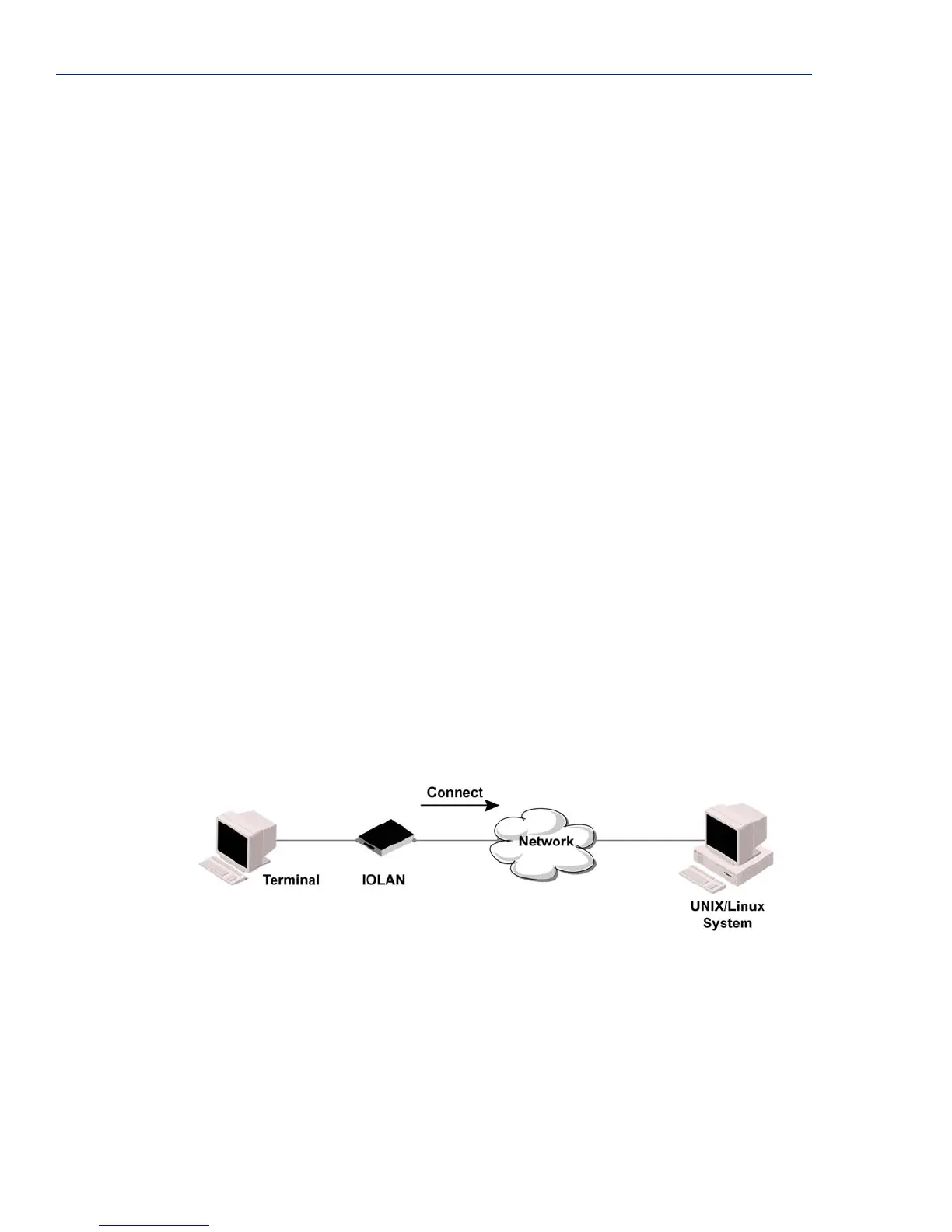
The Terminal profile allows network access from a terminal connected to the IOLAN’s serial port.
This profile is used to access pre-defined hosts on the network from the terminal.
Functionality
This profile can be configured for users:
z who must be authenticated by the IOLAN first and then a connection to a host can be
established.
z who are connecting through the serial port directly to a host.
UDP Port Determines how the IOLAN’s UDP port that will send/receive UDP messages
is defined:
z Auto Learn—The IOLAN will only listen to the first port that it receives a
UDP packet from. Applicable when
Direction is set to LAN to Serial or
Both.
z Any Port—The IOLAN will receive messages from any port sending UDP
packets. Applicable when
Direction is set to LAN to Serial.
z Port—The port that the IOLAN will use to relay messages to
servers/hosts. This option works with any
Direction except Disabled. The
IOLAN will listen for UDP packets on the port configured by the
Listen
for connections on UDP port
parameter.
Default: Auto Learn
Port The port that the IOLAN will use to relay messages to servers/hosts. This
option works with any
Direction except Disabled. The IOLAN will listen for
UDP packets on the port configured by the
Listen for connections on UDP
port
parameter.
Default: 0 (zero)



 To Next Page