99
Advanced
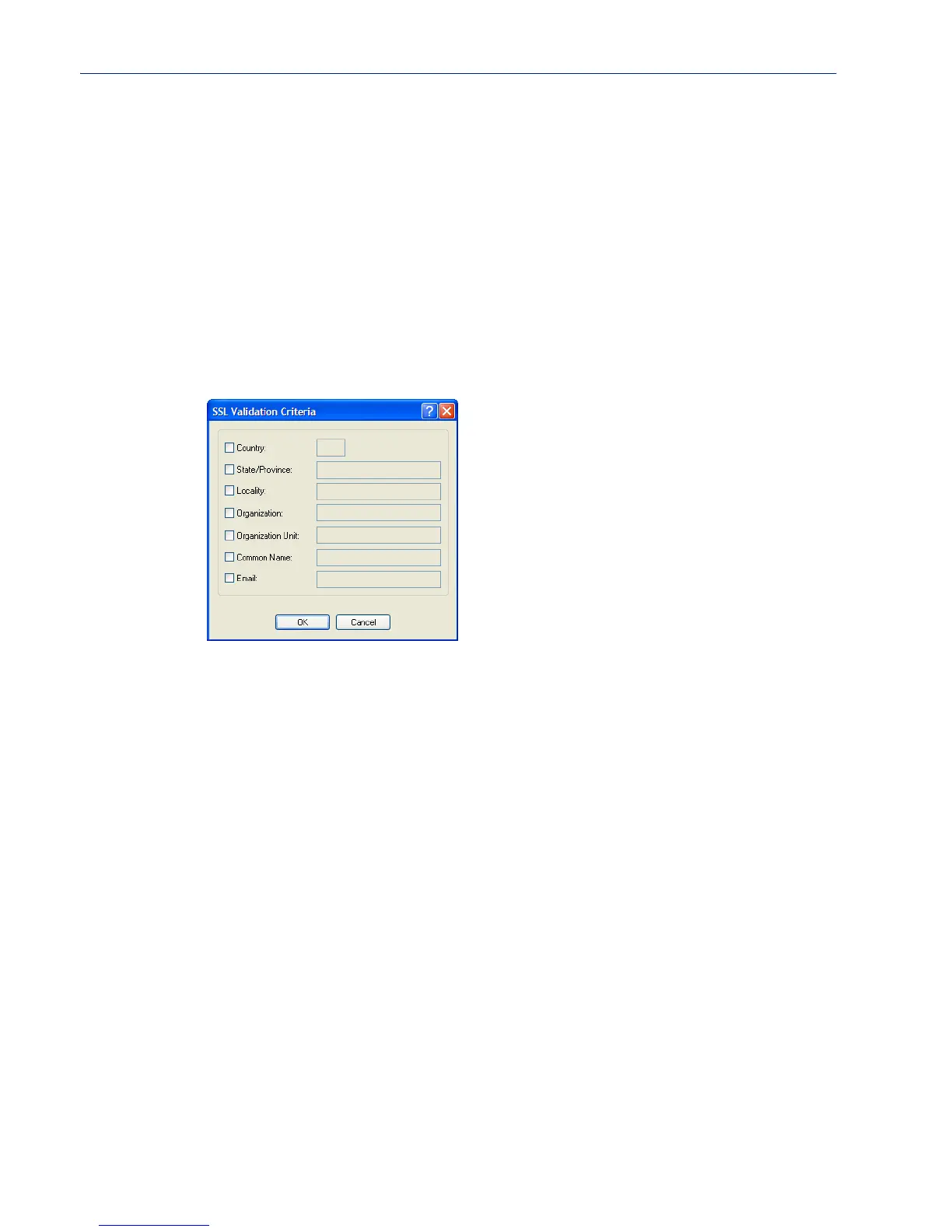
Validation Criteria Field Descriptions
If you choose to configure validation criteria, the information in the peer SSL/TLS certificate must
match exactly the information configured in this window in order to pass peer authentication and
create a valid SSL/TLS connection.
Configure the following parameters:
HMAC Select the key-hashing for message authentication method for your encryption
type.
Data Options:
z Any
z MD5
z SHA1
Default: Any
Country A country code; for example, US. This field is case sensitive in order to
successfully match the information in the peer SSL/TLS certificate.
Data Options: Two characters
State/Province An entry for the state/province; for example, IL. This field is case sensitive in
order to successfully match the information in the peer SSL/TLS certificate.
Data Options: Maximum 128 characters
Locality An entry for the location; for example, Chicago. This field is case sensitive in
order to successfully match the information in the peer SSL/TLS certificate.
Data Options: Maximum 128 characters
Organization An entry for the organization; for example, Accounting. This field is case
sensitive in order to successfully match the information in the peer SSL/TLS
certificate.
Data Options: Maximum 64 characters
Organization Unit An entry for the unit in the organization; for example, Payroll. This field is
case sensitive in order to successfully match the information in the peer
SSL/TLS certificate.
Data Options: Maximum 64 characters



 To Next Page