89
Advanced
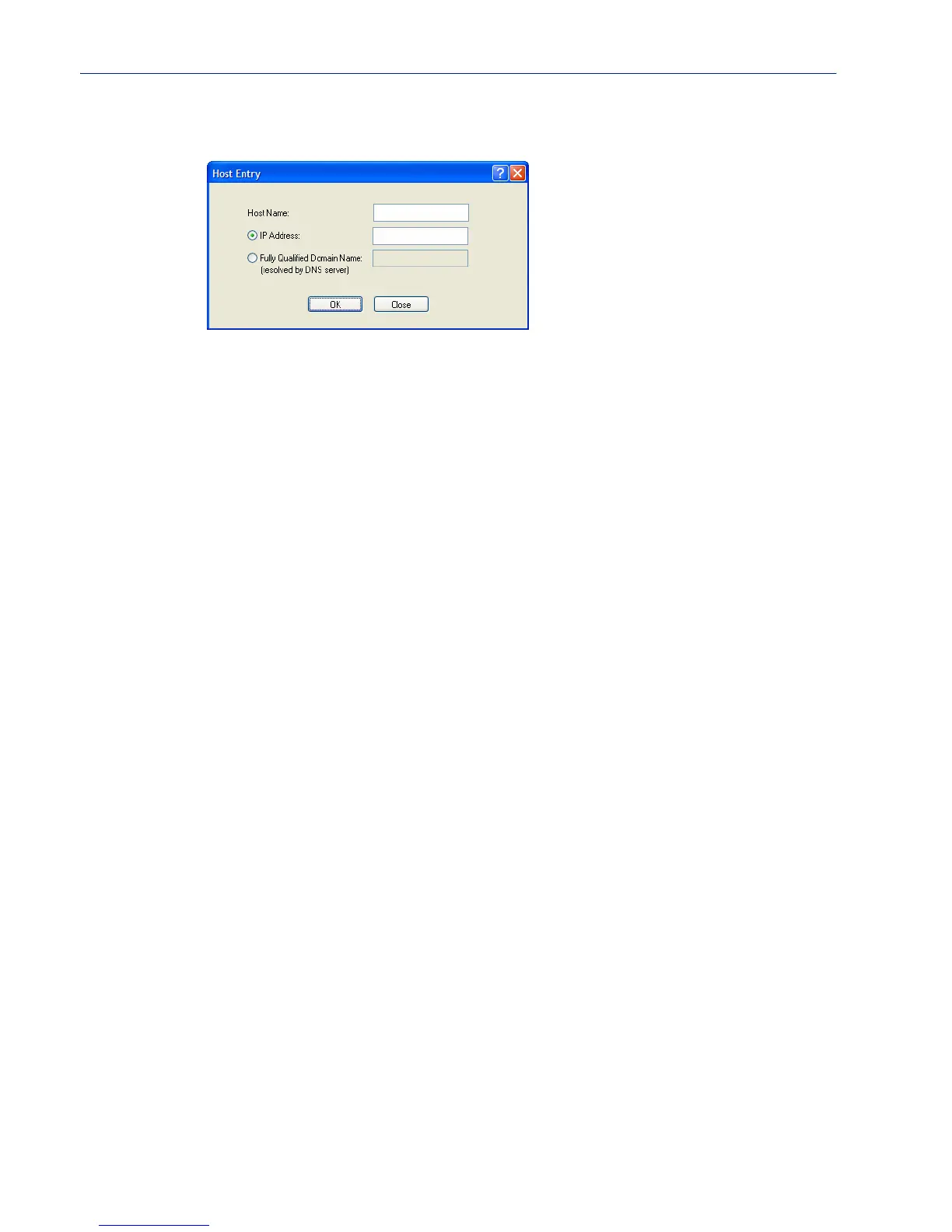
Adding/Editing a Host
Configure the appropriate parameters:
Host Name The name of the host. This is used only for the IOLAN configuration.
Field Format: Up to 14 characters, no spaces.
IP Address The host’s IP address.
Field Format: IPv4 or IPv6 address
Fully Qualified
Domain Name
When you have DNS defined in the IOLAN, you can enter a DNS resolvable
fully qualified domain name (note: FQDN’s are excluded as accessible hosts
when
IP Filtering is enabled).



 To Next Page