139
Serial Port Profiles
User Service Settings
Login Settings
These settings apply to users who are accessing the network from a terminal connected to the
IOLAN’s serial port. The Telnet, Rlogin, SSH, SLIP, PPP settings take effect when the connection
method is defined in the user’s profile (or are passed to the IOLAN by a RADIUS or TACACS+
server when those authentication methods are being used).
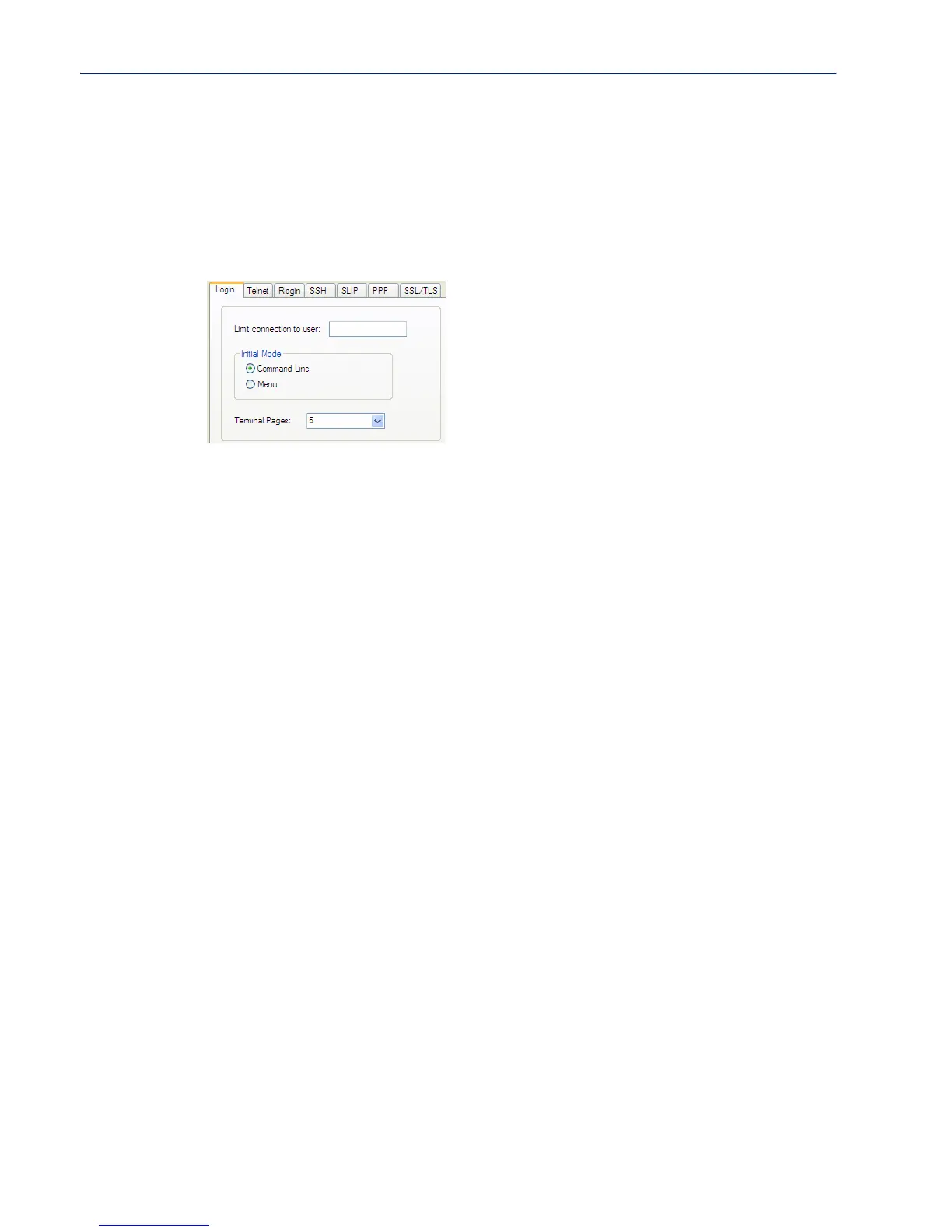
Configure the following parameters:
Limit Connection
to User
Makes the serial port dedicated to the specified user. The user won’t need to
enter their login name - just their password.
Initial Mode Specifies the initial interface a user navigates when logging into the serial port.
Data Options: Menu, Command Line
Default: Command Line
Terminal Pages The number of video pages the terminal supports.
Range: 1-7
Default: 5 pages



 To Next Page