Advanced
188 IOLAN SDS/SCS/STS User’s Guide, Version 3.6
Modems Tab
Overview
You need to configure a modem if there is a modem connected to the IOLAN. If your IOLAN model
contains an internal modem or a PCI slot (SCS models) for a modem card, a permanent modem string
called
internal_modem or IOLAN modem, respectively, exists permanently in your configuration.
Functionality
Modems are usually configured for PPP/SLIP dial in/out connections, although some modems do
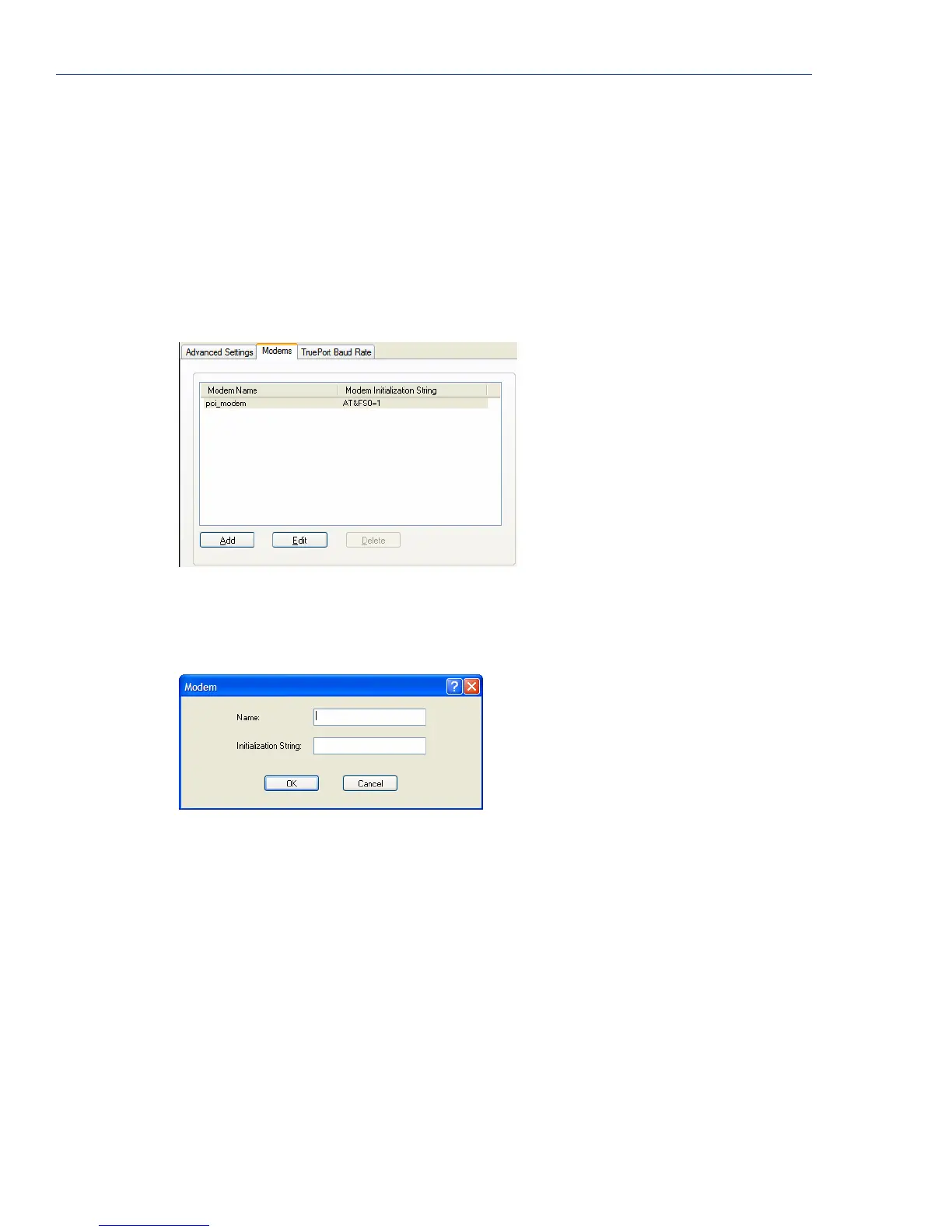
support raw data communication. When you click on the
Modems tab, you will see the following:
If any modems have been configured, they will be displayed.
Adding/Editing a Modem
You can add new modems or edit existing modems through the following window:
Configure the following parameters:
Name The name of the modem.
Restrictions: Do not use spaces.
Initialization String The initialization string of the modem; see your modem’s documentation.



 To Next Page