85
IP Settings
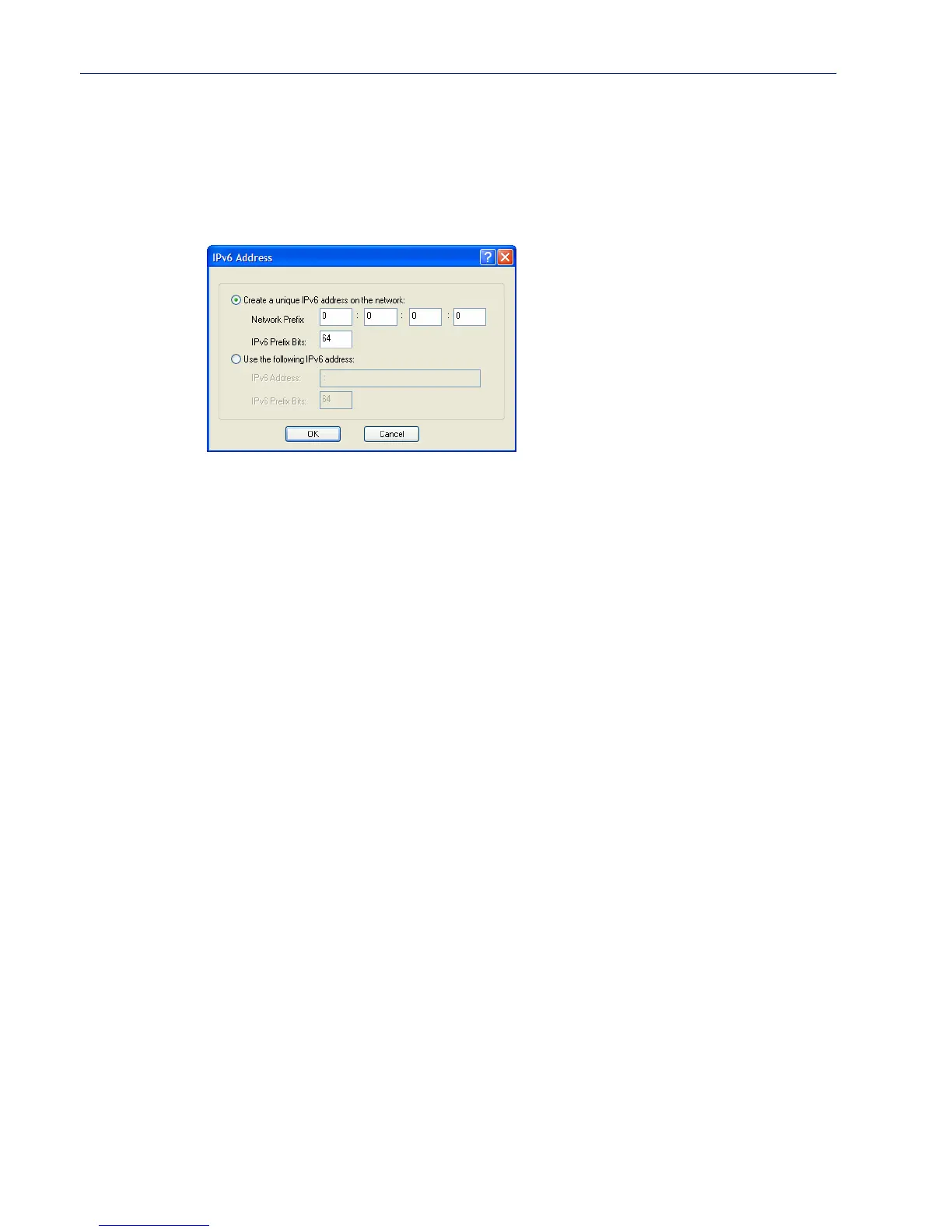
Adding/Editing a Custom IPv6 Address
You can manually add one of the following:
z The IPv6 network prefix (and the IOLAN will determine an IPv6 address based on the network
prefix and the IOLAN MAC address).
z The complete IPv6 address.
Configure the following parameters:
Create a unique
IPv6 address on the
network
When enabled, the IOLAN will derive an IPv6 address from the entered
network prefix and the IOLAN’s MAC address.
Default: Enabled
Network Prefix Specify the IPv6 network prefix. The IOLAN will derive the complete IPv6
address from the entered network prefix and the IOLAN’s MAC address.
Default: Enabled
Network Prefix
IPv6 Prefix Bits
Specify the network prefix bits for the IPv6 address.
Range: 0-64
Default: 64
Use the following
IPv6 address
Enable this option when you want to enter a specific IPv6 address.
Default: Disabled
IPv6 Address
x
Specify the complete IPv6 address.
Field Format: IPv6 address
IPv6 Address IPv6
Prefix Bits
x
Specify the network prefix bits for the IPv6 address.
Range: 0-128
Default: 64



 To Next Page