123
Serial Port Profiles
Adding/Editing a Multihost Entry
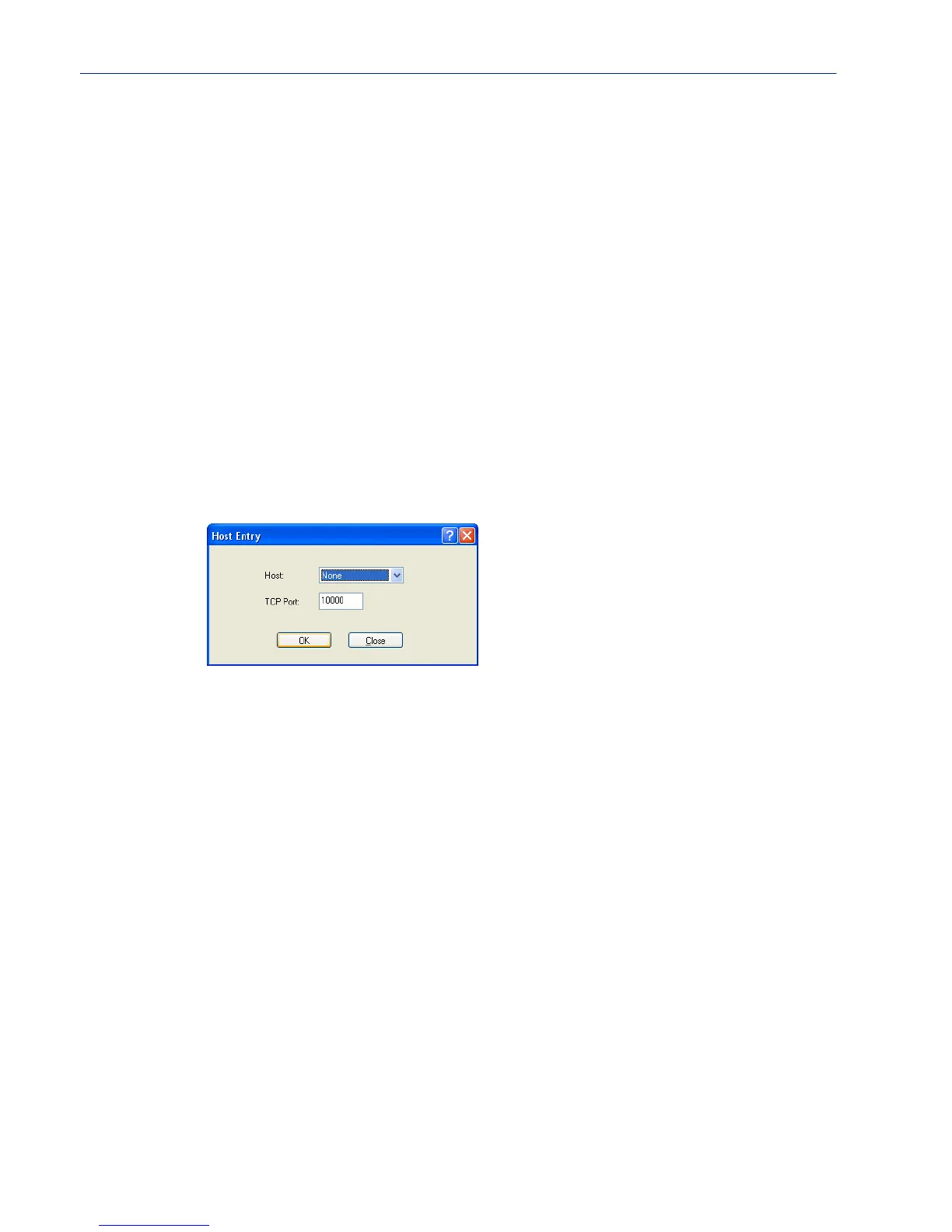
When you click the Add or Edit button, the Host Entry window appears. The hosts in the multihost
list must already be defined. If you add a host that was defined with its fully qualified domain name
(FQDN), it must be resolvable by your configured DNS server.
Configure the following parameters:
Primary Host Specify a preconfigured host that the serial device will communicate to through
the IOLAN.
Default: None
TCP Port Specify the TCP port that the IOLAN will use to communicate to the Primary
Host
.
Default: 0
Backup Host Specify a preconfigured host that the serial device will communicate to through
the IOLAN if the IOLAN cannot communicate with the
Primary Host.
Default: None
TCP Port Specify the TCP port that the IOLAN will use to communicate to the Backup
Host
.
Default: 10000
Host Name Specify the preconfigured host that will be in the multihost list.
Default: None
TCP Port Specify the TCP port that the IOLAN will use to communicate to the Primary
Host
.
Default: 10000 + serial port number - 1 (so serial port 47 defaults to 10046)



 To Next Page