169
Serial Port Profiles
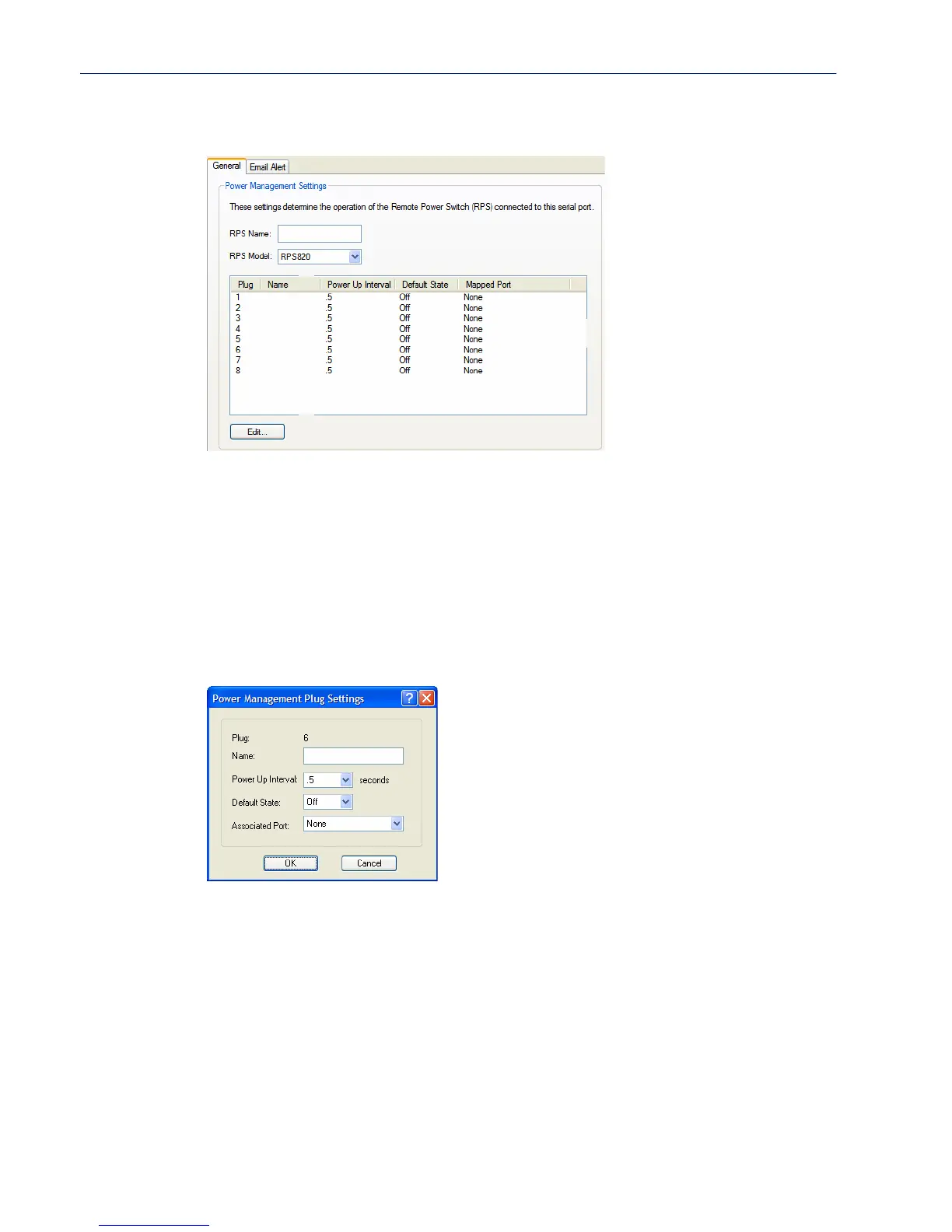
General Tab Field Descriptions
Configure the following parameters:
Editing Power Management Plug Settings Field Descriptions
Configure the following parameters:
RPS Name Specify a name for the RPS.
RPS Model Specify the RPS model.
Data Options: RSP820, RPS830, RPS1620, RPS1630
Default: RSP820
Edit Button Highlight a plug and then click the Edit button to configure the plug.
Plug Displays the plug number you are configuring.
Name Specify a name for the plug to make it easier to recognize and manage.
Power Up Interval Specify the amount of time, in seconds, that the RPS will wait before powering
up a plug. This can be useful if you have peripherals that need to be started in a
specific order.
Data Options: .5, 1, 2, 5, 15, 30, 60, 120, 180, 300
Default: .5 seconds



 To Next Page