WebManager
50 IOLAN SDS/SCS/STS User’s Guide, Version 3.6
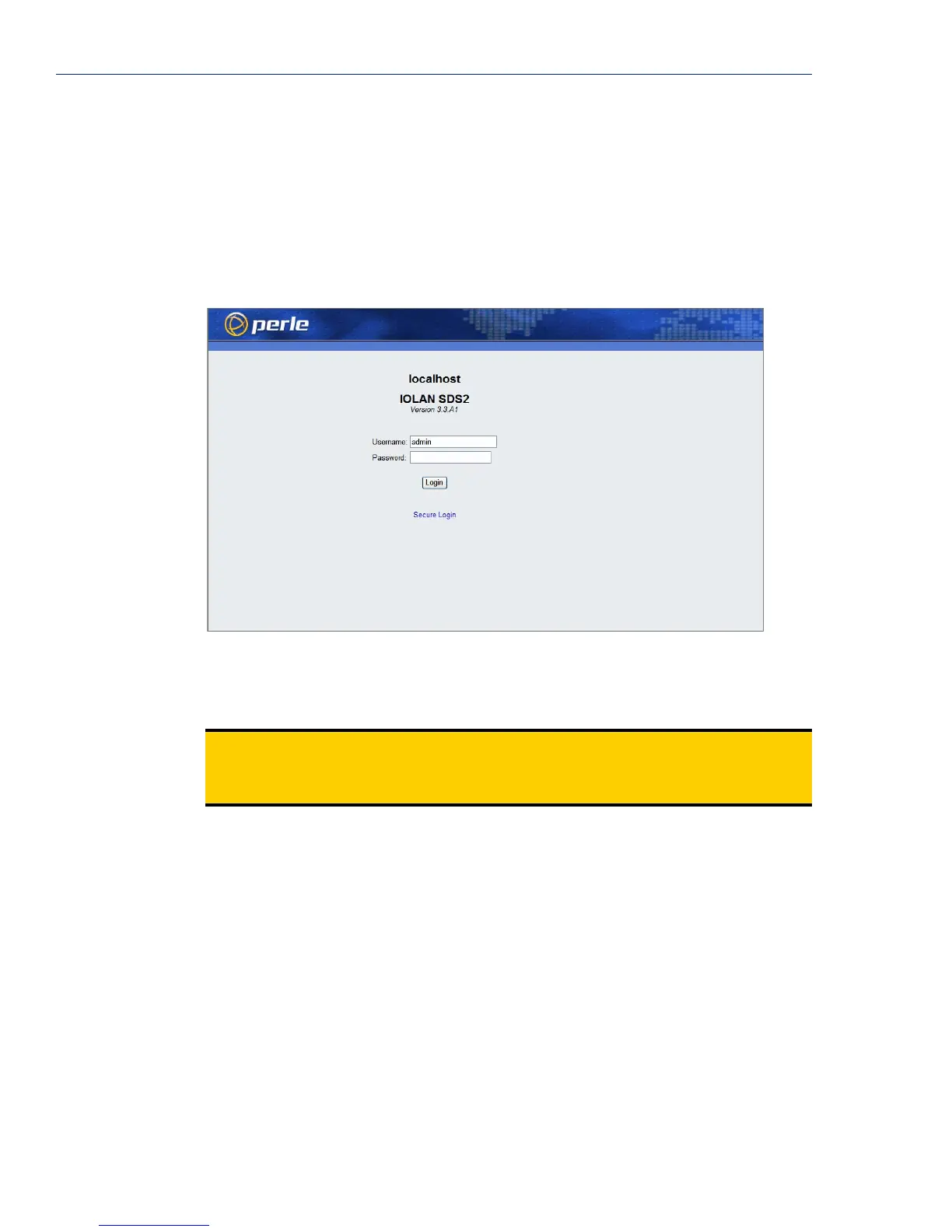
Connecting to the IOLAN Using WebManager
Before you can connect to the IOLAN using WebManager, the IOLAN must already be configured
with a known IP address; see
Setting Up the Network on page 66 to configure an IP address on your
IOLAN.
To connect to the IOLAN through the WebManager:
1. Open your web browser and type in the IP address of the IOLAN that you want to
manage/configure and press
Enter; for example: http://123.123.123.123.
2. If you successfully connect to the IOLAN, a login screen will appear.
3. If you are accessing the IOLAN in non-secure HTTP, just type in the Admin password (the
factory default password is
superuser) If the IOLAN has already been configured for secure
access mode (HTTPS), select the
For a Secure Login Click Here link and then type in the
Admin password.
Note:
The secure HTTP (HTTPS) mode requires that the SSL Passphrase is already defined
in the IOLAN configuration and the SSL/TLS certificate/private key and CA list must
have already been downloaded to the IOLAN; see
Keys and Certificates on page 232 for
more information.



 To Next Page