Management
292 IOLAN SDS/SCS/STS User’s Guide, Version 3.6
Management
SNMP
Overview
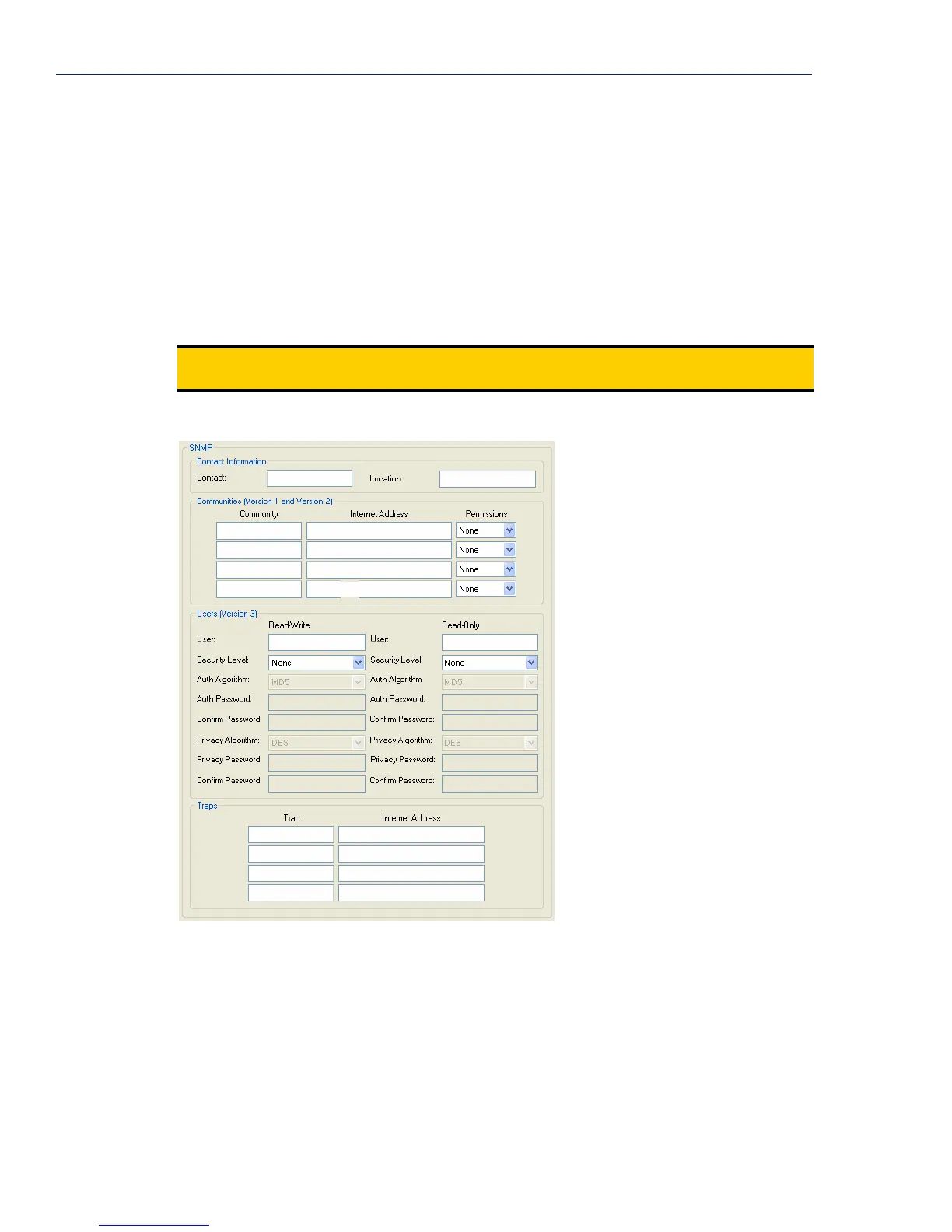
If you are using SNMP to manage/configure the IOLAN, or to view statistics or traps, you must set
up a User in SNMP version 3 or a Community in SNMP version 1,2 to allow your SNMP manager to
connect to the IOLAN; this can be done in the DeviceManager, WebManager, CLI, or Menu. You
must then load the perle-sds.MIB (found on the CD-ROM packaged with the IOLAN) file into your
SNMP manager before you connect to the IOLAN.
Field Descriptions
Configure the following parameters:
Note:
Ensure that the SNMP service found in the Security, Services page is enabled (by default it
is enabled).
Contact The name and contract information of the person who manages this SMNP
node.
Location The physical location of the SNMP node.
Community The name of the group that devices and management stations running SNMP
belong to.



 To Next Page