159
Serial Port Profiles
General Tab Field Descriptions
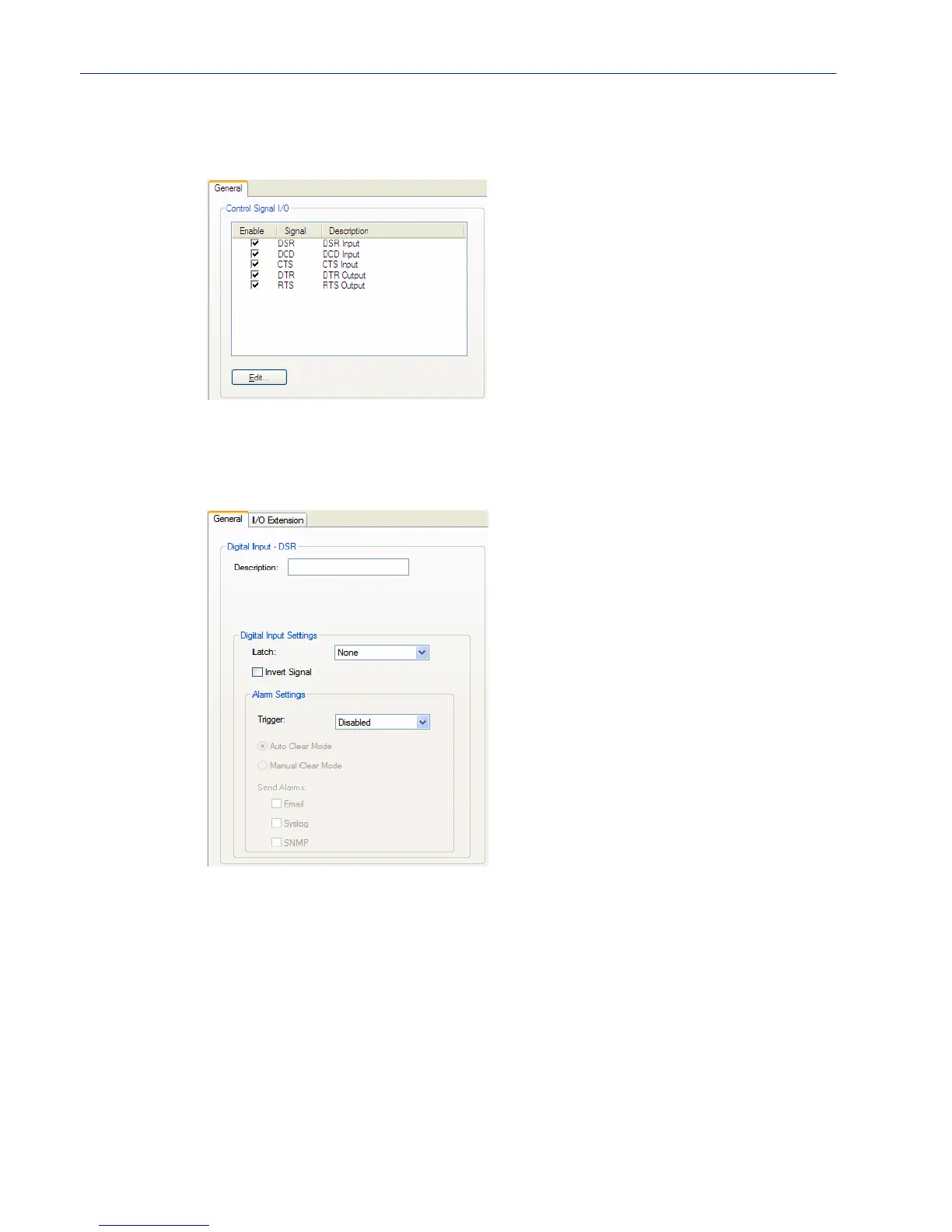
The General tab displays the signal pins. This window is also used to enable/disable the signal pins.
Highlight a signal and then click the Edit button to configure the signal pin’s parameters.
Input Signal Field Descriptions
See Digital I/O Extension on page 253 for information about the the I/O Extension tab.
Configure the following parameters:
Description Provide a description of the channel, making it easier to identify.
Data Options: Maximum 20 characters, including spaces
Latch Latches (remembers) the activity transition (active to inactive or inactive to
active).
Data Options: None, Inactive-to-Active, Active-to-Inactive
Default: None
Invert Signal When enabled, inverts the actual condition of the I/O signal in the status;
therefore, an inactive status will be displayed as active.
Default: Disabled



 To Next Page