Serial Port Profiles
114 IOLAN SDS/SCS/STS User’s Guide, Version 3.6
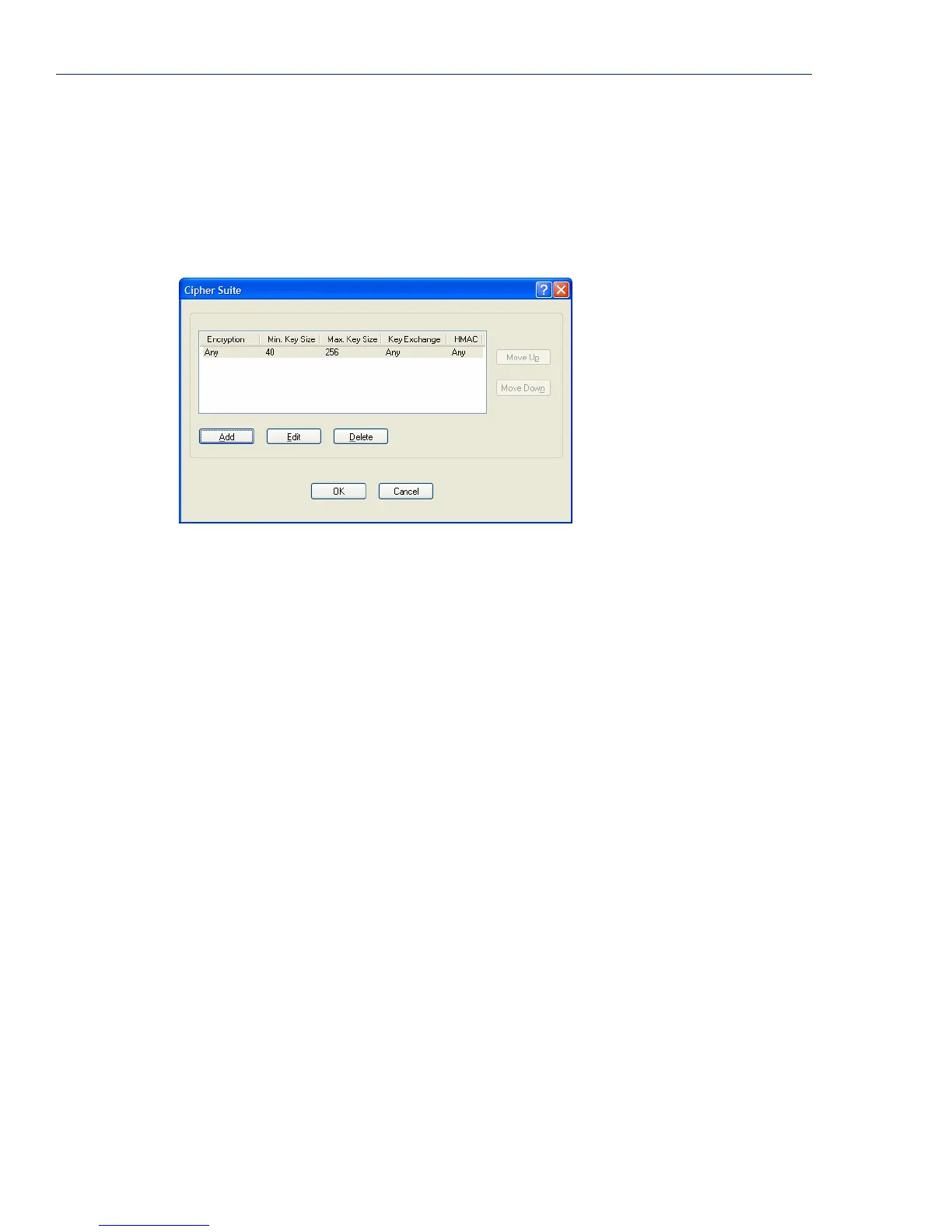
Cipher Suite Field Descriptions
The SSL/TLS cipher suite is used to encrypt data between the IOLAN and the client. You can specify
up to five cipher groups.
The following buttons are available on this window:
Validation Criteria
Button
Click this button to create peer certificate validation criteria that must be met
for a valid SSL/TLS connection.
See Validation Criteria Field Descriptions on page 116 for more information.
Add Button Adds a cipher to the cipher list.
Edit Button Edits a cipher in the cipher list.
Delete Button Deletes a cipher to the cipher list.
Move Up Button Moves a cipher up in preference in the cipher list.
Move Down Button Moves a cipher down in preference in the cipher list.



 To Next Page