Calibrating I/O
314 IOLAN SDS/SCS/STS User’s Guide, Version 3.6
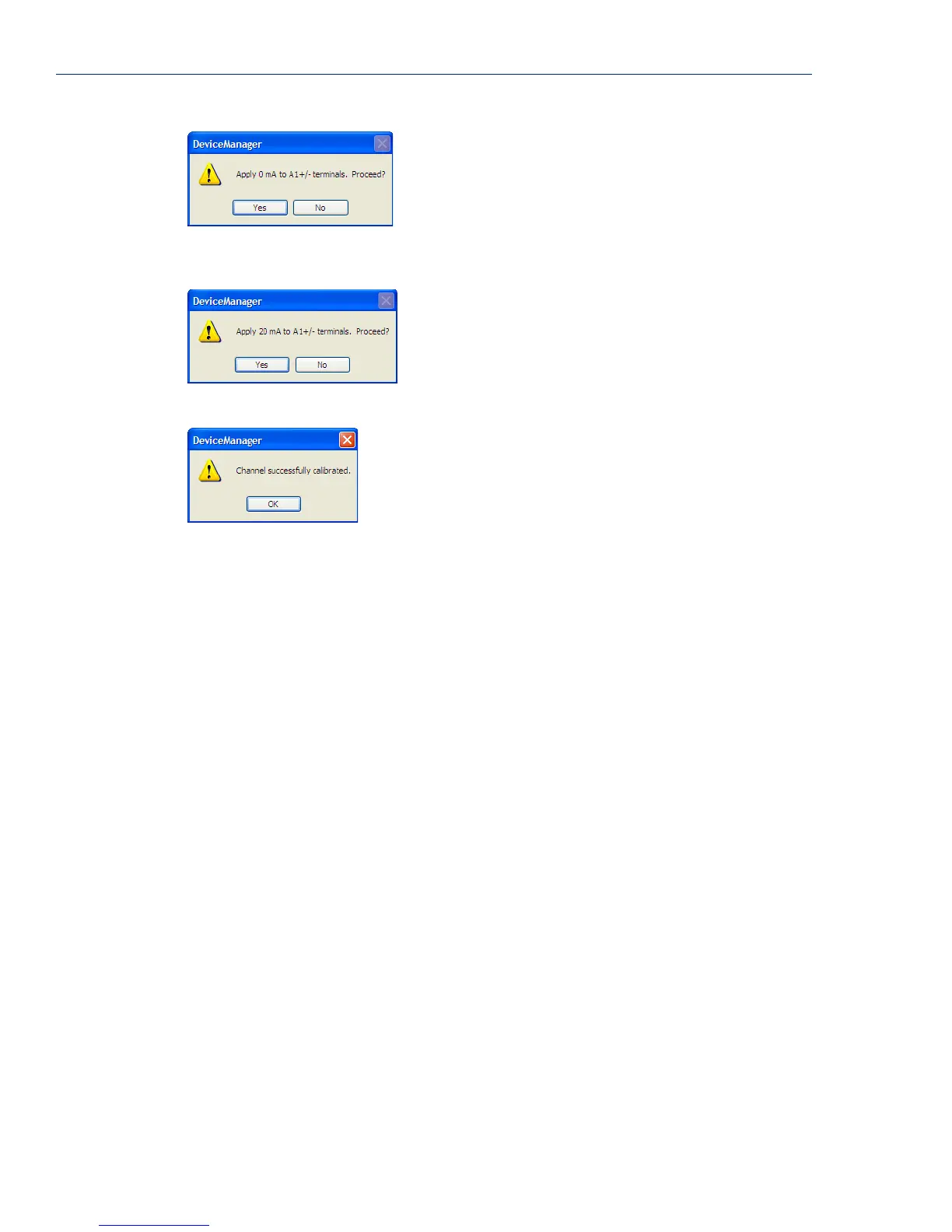
You are now prompted to apply 20 mA to the positive (+) and negative (-) terminals. Once that is
done, click
Yes to proceed.
Once calibration is successfully completed, click OK to finish the process.
Resetting Calibration Data
You can reset the I/O channels calibrations to the factory calibrations in DeviceManager by selecting
Tools, I/O Channels, Reset Calibrate Data or in WebManager by selecting Administration, Reset,
I/O Calibration.



 To Next Page