User Guide – PERC2000 System Controller
Publication 81-9059-0605-0, Rev. B
November 2010
Proprietary Information of
PESA PESA 8-10
8.7 H
ARDWARE
C
ONFIGURATION
C
OMMANDS
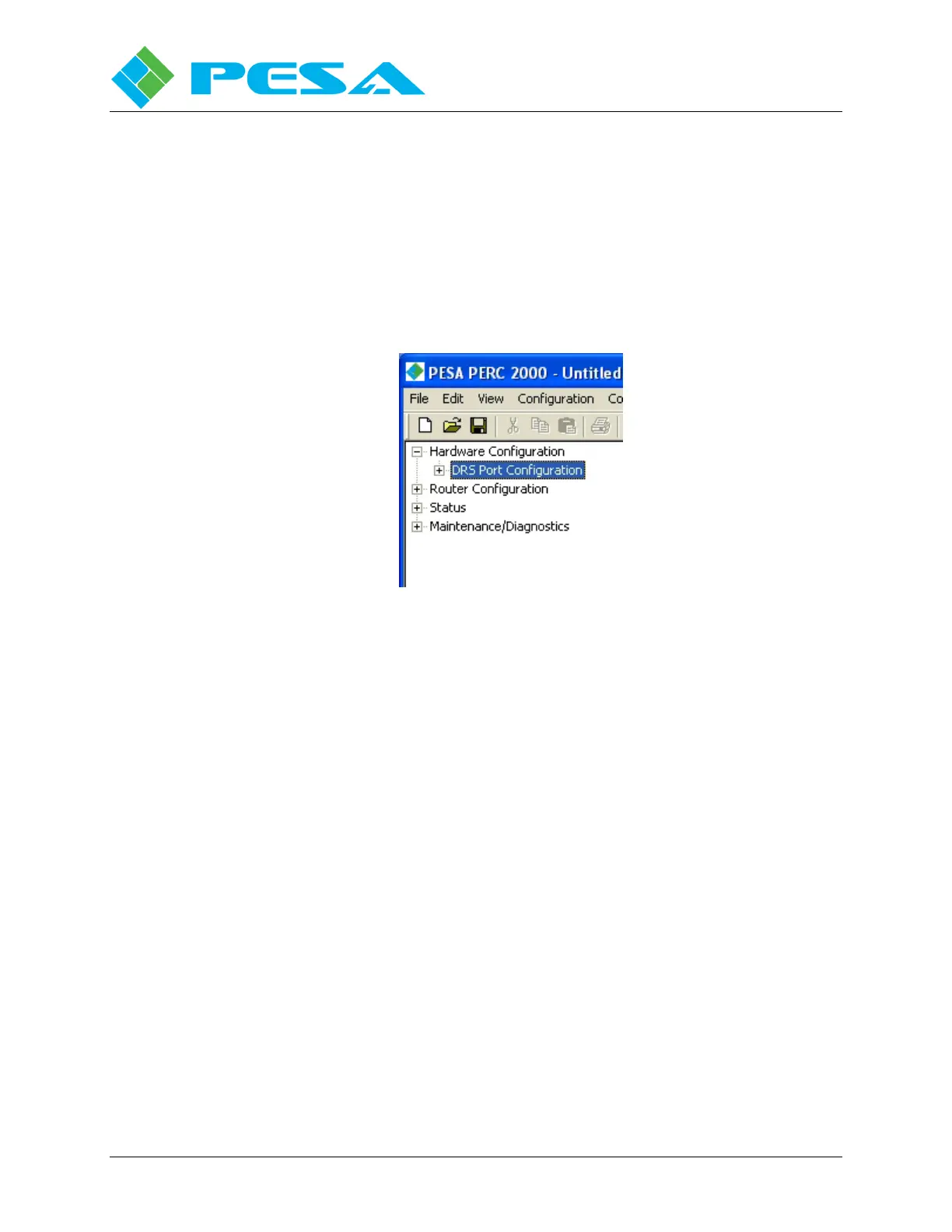
Commands and screens contained under the Hardware Configuration parent header in the
Command Tree Window allow you to enter the DRS hardware data portion of a system
configuration file that can be saved or downloaded to the DRS P1K Frame Controller(s).
Figure 8-12 illustrates the location of the hardware configuration header. Commands under this
header do not directly affect operation of the PERC2000 system controller, and are discussed in
detail in the DRS Technical Manual.
Figure 8-12 Hardware Configuration Header
8.8 PERC2000
S
YSTEM
C
ONTROLLER
C
ONFIGURATION
F
ILES
Carefully plan your system or particular application before building a configuration file. Once
a file is generated, use the “Download to Controller” command in the File menu to download
the file to the system controller hardware. It is also possible to read the current configuration
file in the system controller so that you can edit or save the file, as desired. Use the “Upload
from Controller” command (File menu) to upload the current file.
Each configuration file will be different to satisfy a specific system requirement. However, the
following are some basic steps that are common to building each router configuration file.
1. Assign System Operating Parameters to configure serial port and Ethernet network
properties.
2. Set up Levels and Components for the application.
3. Define and assign Sources and Destinations for each level that correspond to external
equipment connected to the router.
4. Define special application functions such as Reentries or Tie-Lines, Source-to-Destination
Blocks and Salvo Groups.
5. Define and assign lists of Levels, Salvos, Sources and Destinations available to various
control panels.
6. Configure system Remote Control Panels and define specific application functions to
configurable control panel keys.



 To Next Page