User Guide – PERC2000 System Controller
Publication 81-9059-0605-0, Rev. B
November 2010
Proprietary Information of
PESA PESA 8-4
8.4 C
OMMON
R
IGHT
M
OUSE
C
LICK
F
UNCTIONS
As with most other applications based on the Microsoft Windows® operating system, certain
functions for various command or data entry operations are accessed by clicking the right
mouse button and selecting the desired operation. Functions and commands presented on the
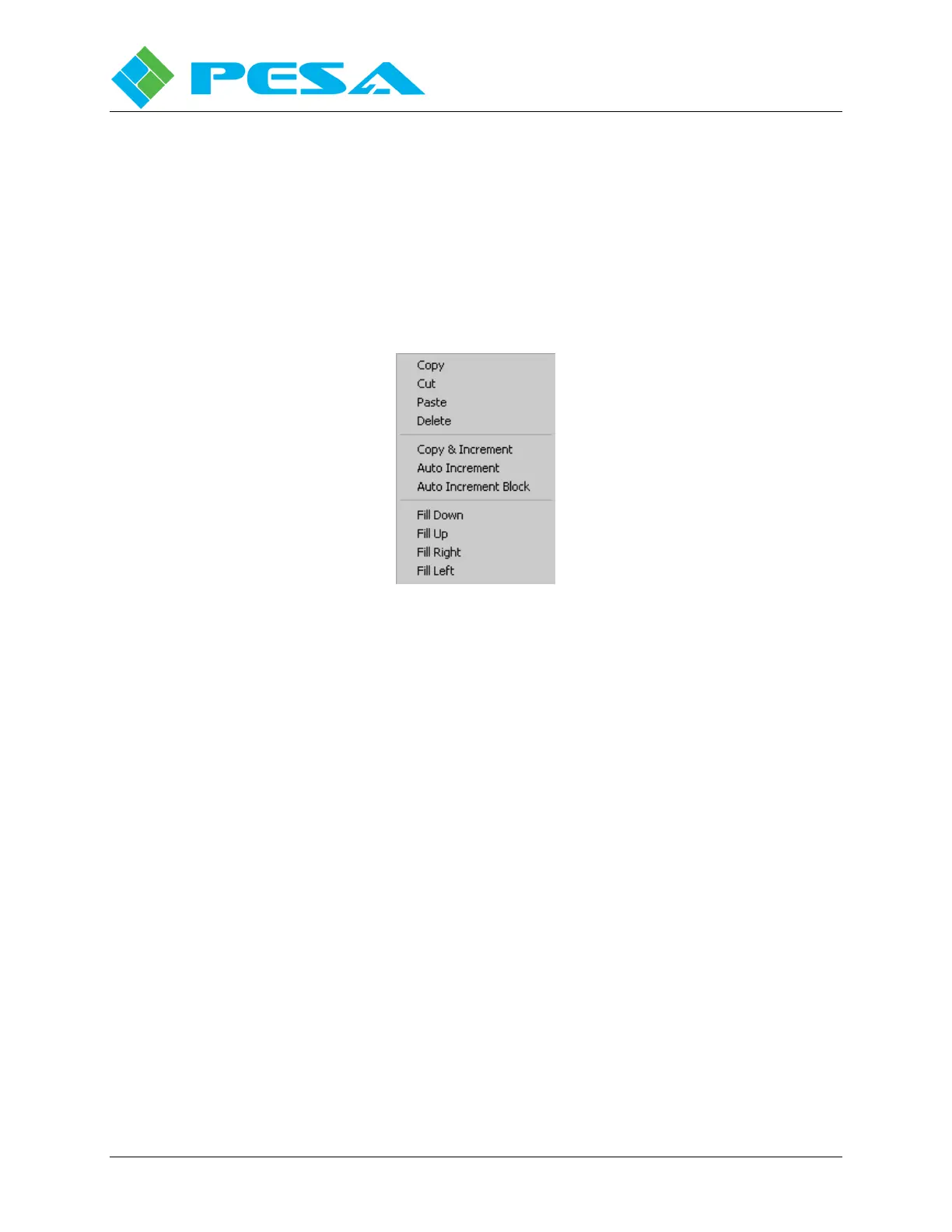
right click menu vary greatly between screens and data entry cells or fields. The example
shown by Figure 8-2 illustrates a typical menu for data entry editing and short-cut functions.
Not all commands shown below will appear on every right-click menu.
Figure 8-2 Typical Right-Click Mouse Commands
8.4.1 C
OPY
,
C
UT
,
P
ASTE
,
D
ELETE
The Copy, Cut, Paste and Delete Commands in P2K function exactly as the standard Windows
®
functions.
8.4.2 Q
UICK
D
ATA
E
NTRY
T
OOLS
For many fields that require you to enter repetitive information, such as Inputs, Outputs, etc.,
there are additional commands available from the right mouse click menu. These commands
vary depending on the system screen and grid column you are working with:
Copy & Increment
Copy & Increment allows you to quickly fill fields of a configuration grid by duplicating the
text and incrementing the numerical value of a starting entry into fields selected by a user-
defined data block. Copy & increment always fills in all valid fields of the data grid lines
within the selected block, but it behaves differently depending on where from the grid you
select the starting values fields.
If you choose a starting field from any of the name columns of the grid, and do not include any
of the numerical entry fields in the switching level columns when defining the size of the fill
block, as shown by Figure 8-3, the text entry of the name will be duplicated in each field of the
defined block, and the numerical value associated with the name fields only will be incremented
by one in each successive field of the fill block. All of the numerical values in the switching
level columns will be filled with zeros, as shown.



 To Next Page