User Guide – PERC2000 System Controller
Publication 81-9059-0605-0, Rev. B
November 2010
Proprietary Information of
PESA PESA 8-28
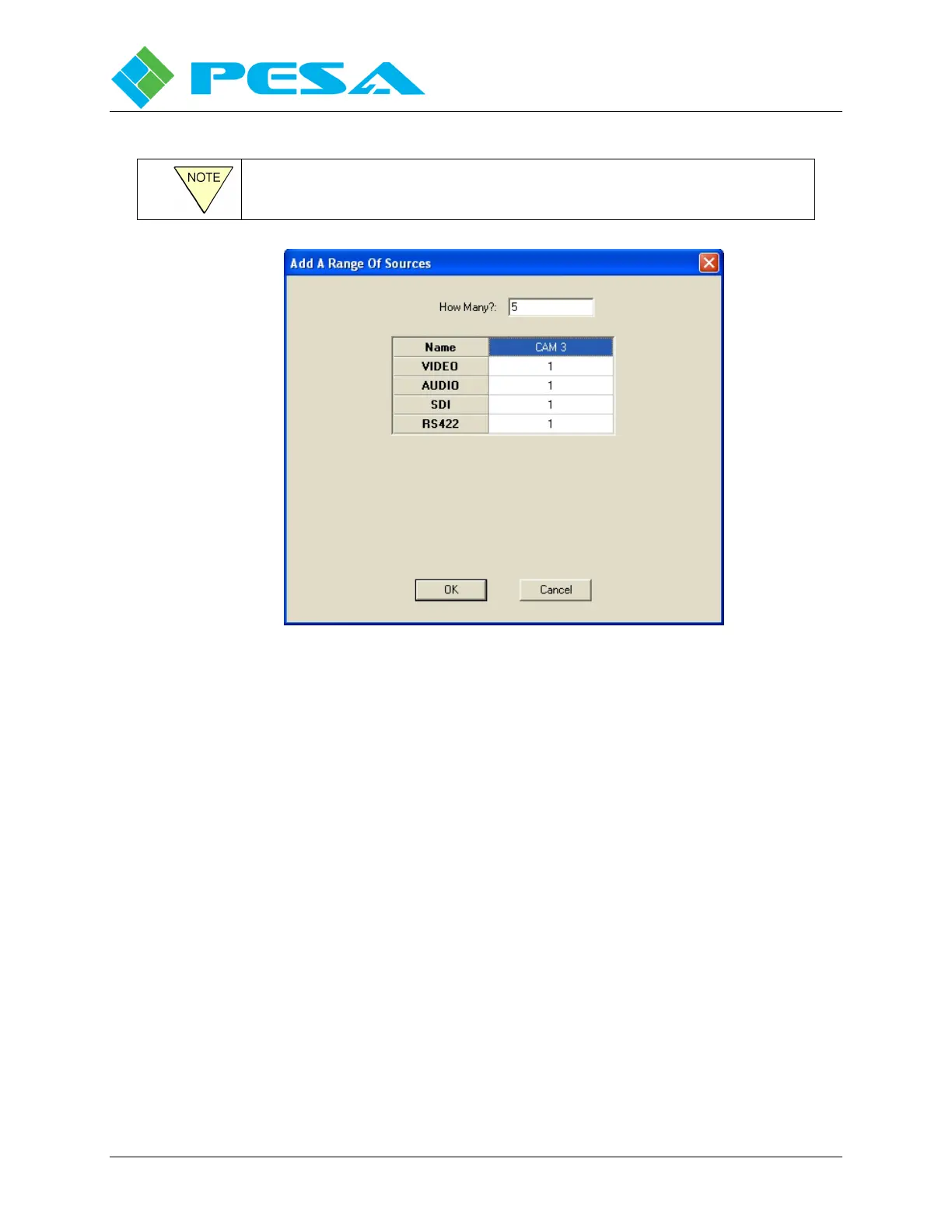
The starting index is defined on a level-by-level basis.
Figure 8-28 Source Range Entry Box
Spreadsheet Right Mouse Click Functions
When you right-click on any cell in the Source Configuration Spreadsheet, a pop-up menu will
appear providing command options for the cell, as shown in Figure 8-29. Command items
appearing in the pop-up menu will vary depending on which commands are pertinent for data
entered in the selected cell. Paragraph 8-4 discusses the function of common commands
available from the pop-up menu. Remember that all commands listed and discussed below may
or may not appear in the pop-up menu for a specific cell.



 To Next Page