User Guide – PERC2000 System Controller
Publication 81-9059-0605-0, Rev. B
November 2010
Proprietary Information of
PESA PESA 8-49
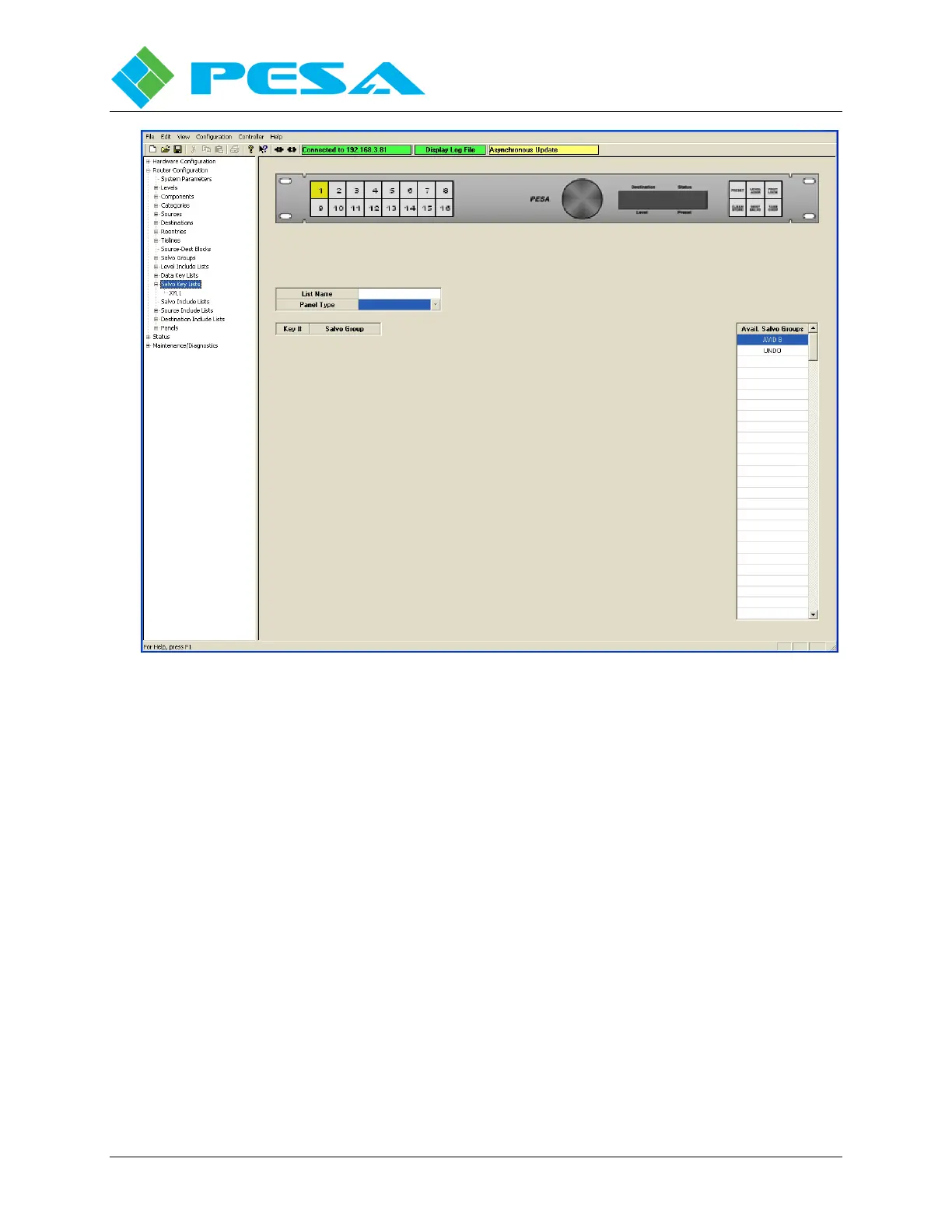
Figure 8-49 Salvo Key Lists Configuration Screen
To make the programming task more straightforward, a visual image of the type of remote
control panel you are programming is displayed at the top of the configuration screen once the
panel type is entered. There are a number of different remote control panels in the PESA
product line – each is designed for a specific purpose – and each panel has a different key and
display layout. Displaying a graphic image provides an easy guide for you to follow when
configuring a specific type of panel. Before a panel type is assigned, the graphic display
defaults to a random graphic.
8.9.13.1 Defining List Name and Panel Type
Note the fields labeled List Name and Panel Type, Figure 8-50. Enter a name for the salvo key
list (up to 8 characters of letters and numbers). PESA recommends you assign a name that is
somewhat descriptive of the function of the salvo key list or the type of panel it controls. Salvo
Key List names may be from one to eight characters in length and are constructed using
uppercase letters, numbers, and spaces. The first character must be a letter.



 To Next Page