Sealing
47
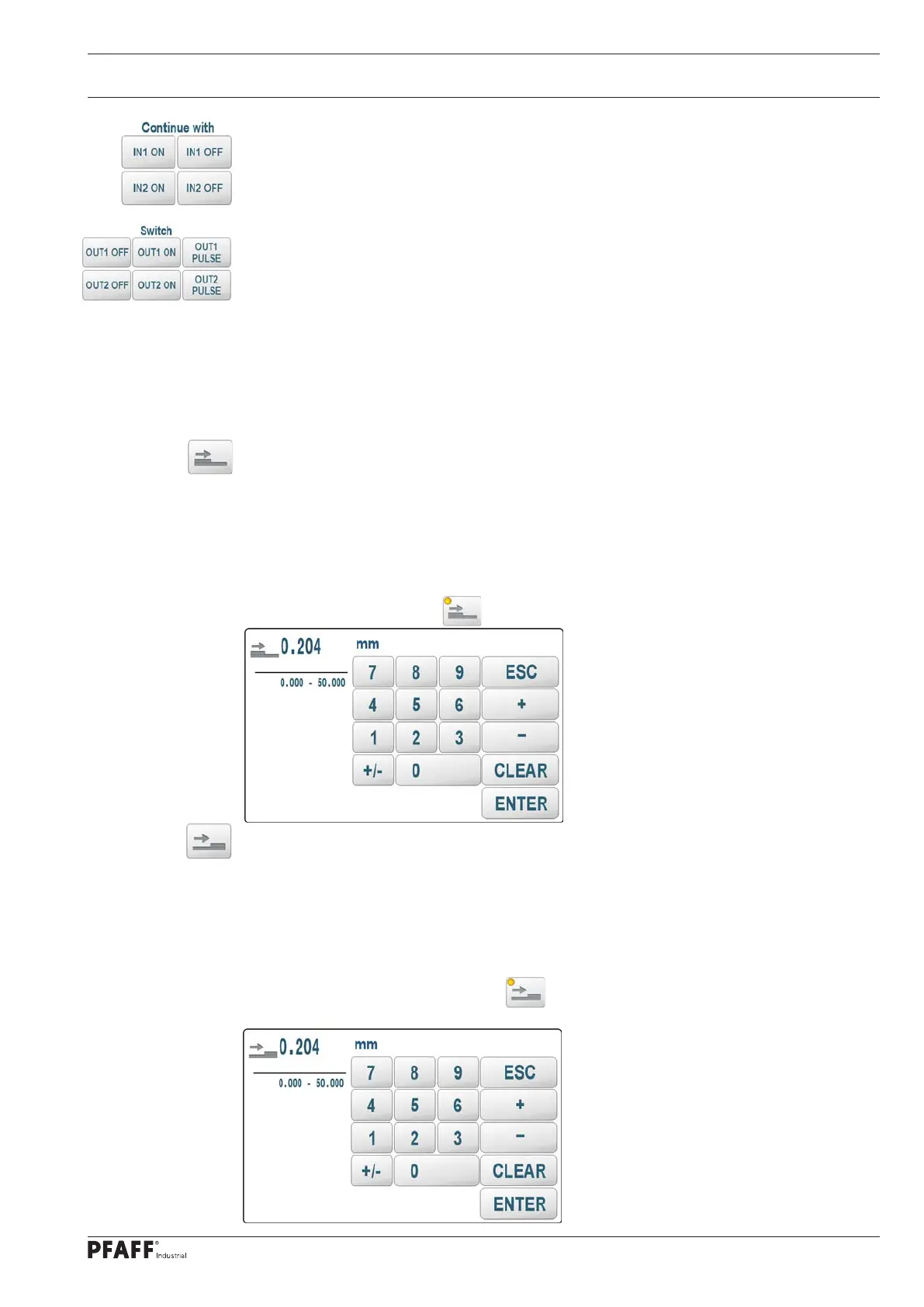
Determine the input level of the inputs IN1 (X3 / PIN2) and / or IN2 (X3 / PIN3) as a step
enabling condition with high level: IN1,2 ON or with LOW level: IN1,2 OFF. If both inputs are
used, the first matching input level switches to the next range.
Switch the outputs OUT1 (X12 / PIN1) and / or OUT1 (X12 / PIN3) directly.
OUT1,2 ON: 24V (active)
OUT1,2 OFF: 0V (passive)
OUT1,2 PULSE: Output for 300ms (parameter OUT1,2Pulsetime; see S40) to 24V - then
switch off to 0V
The outputs are switched immediately at the beginning of the area processing. They do not
contribute to the switching to the next area. For this reason, another area switching must
also be defined. This is usually the condition that would apply in the next area anyway.
Layer reduction (PLY-)
By pressing the key, an input screen is opened with which the material thickness difference
is entered, which leads to the range switching. The machine continuously determines the
distance between the transport rollers. The reference distance for this area is determined
200ms after the start of the roll or an area switchover. If the current distance later deviates
from the reference distance by the entered value, the system switches to the next area or
the program ends at the last area. The activated function can be recognized in the editor by
the LED on the function key .
Layer gain (PLY +)
By pressing the key, an input screen is opened with which the material thickness difference
is entered, which leads to the range switching. The machine continuously determines the
distance between the transport rollers. The reference distance for this area is determined
200ms after the start of the roll or an area switchover. If the current distance later deviates
upwards from the reference distance by the entered value, the system switches to the next
area or the program ends at the last area. The activated function can be recognized in the
editor by the LED on the function key .
.



 To Next Page