Phoenix LT4 Lane Machine Operation, Maintenance, and Parts Manual
4-12 Rev. Date: 01/22 61-900040-000
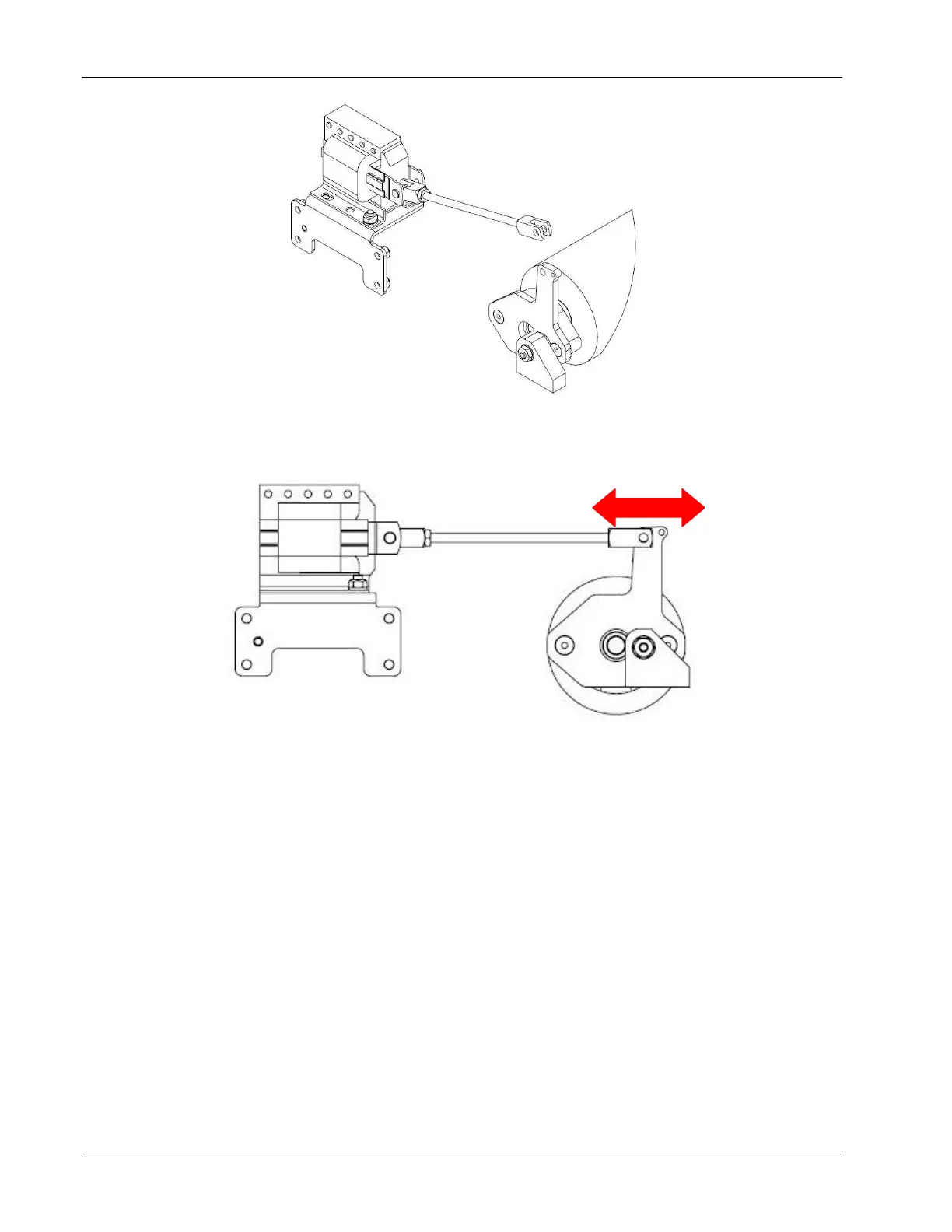
4. Reinstall the clevis pins and bowtie cotters. If the hood was removed, it must be
reinstalled prior to testing the buffer pressure. If the hood was not removed, close
and latch the oil compartment door.
5. Test the buffer brush pressure by following the procedure described in Section
4.2.1.2 – Measuring the Buffer Brush Pressure.
6. Repeat steps 1-5 until desired buffer brush pressure is achieved.
7. When adjustments are complete, re-engage the oil tank spring and reinstall the
cleaner tank cap, waste tank, and vacuum hose.
NOTE If adjusting the buffer brush pressure without removing the hood, it may be
necessary to remove the oil tank. CAUTION Removing the oil tank can cause
spillages. Never remove the oil tank on the approach. To remove the oil tank,
remove the oil tank retaining pins and oil tank retaining spring. Lift the tank and
slide to one side towards the open cavity in the hood. Then, lift the opposing end of
the oil tank up and out.


 To Next Page