LUCAS® 2 Chest Compression System – Service Manual
3323809-001, © 2017 Physio-Control, Inc.
15
4.3. Using the Software
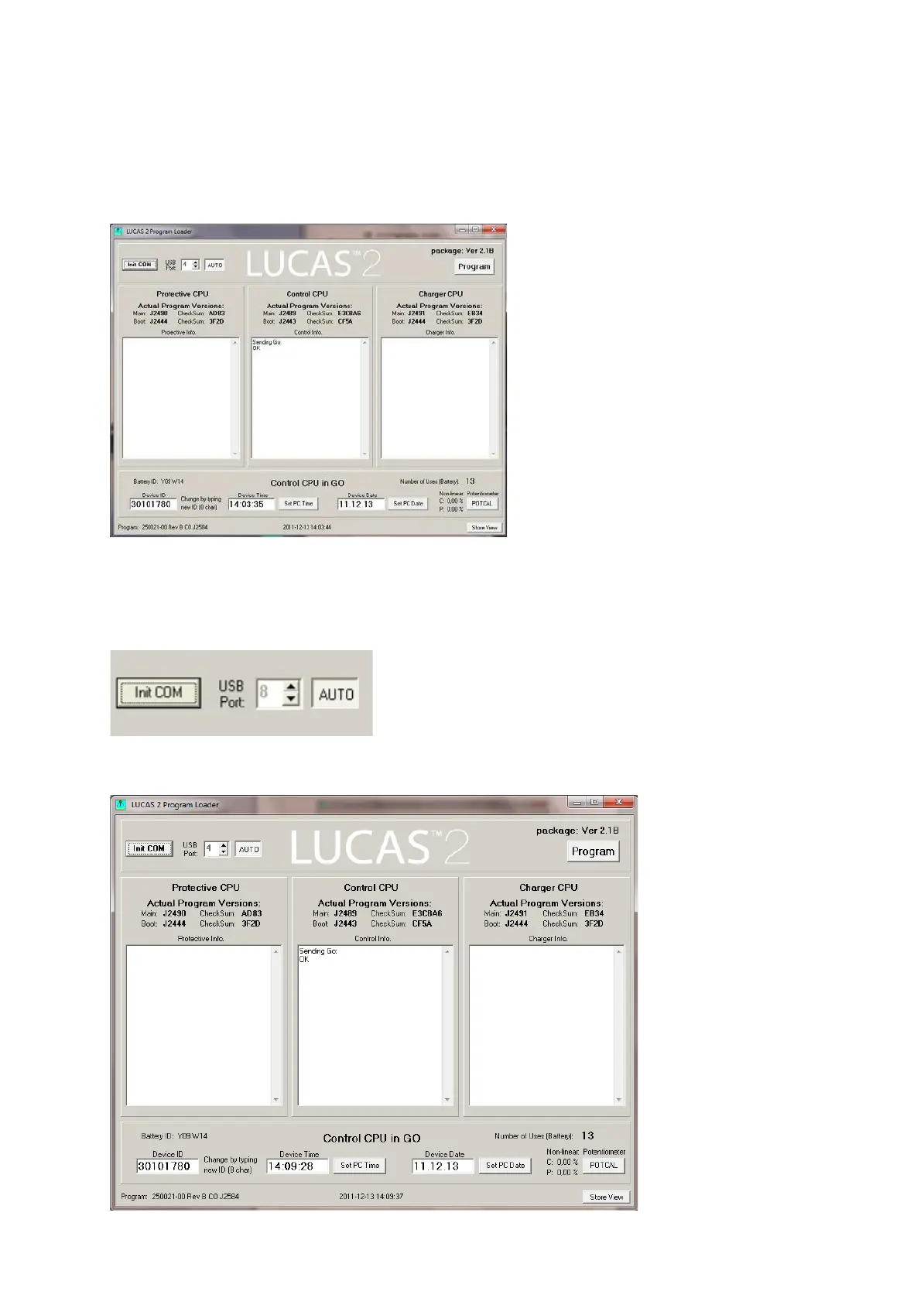
When the program is started this window should appear:
The picture shows software LUCAS2_V21B.
Normally the software detects the device at start. If not, set the USB Port setting to AUTO
and then Click “Init COM”.
Now the information about the device should appear in the designated windows.












 To Next Page