LUCAS® Chest Compression System – Service Manual
3323809-001, © 2017 Physio-Control, Inc.
55
Re-install the Drive Belt.
Re-install the Compression Module and connect all cables.
Re-install the Hood.
Re-install the Bellows.
Re-install the Suction Cup.
9.5.3. Test
Perform a Function Check according to Section 10.
9.6. Replacing the Controller PCB
9.6.1. Disassembling
Follow the instructions in Section 9.3 to take out the Compression Module.
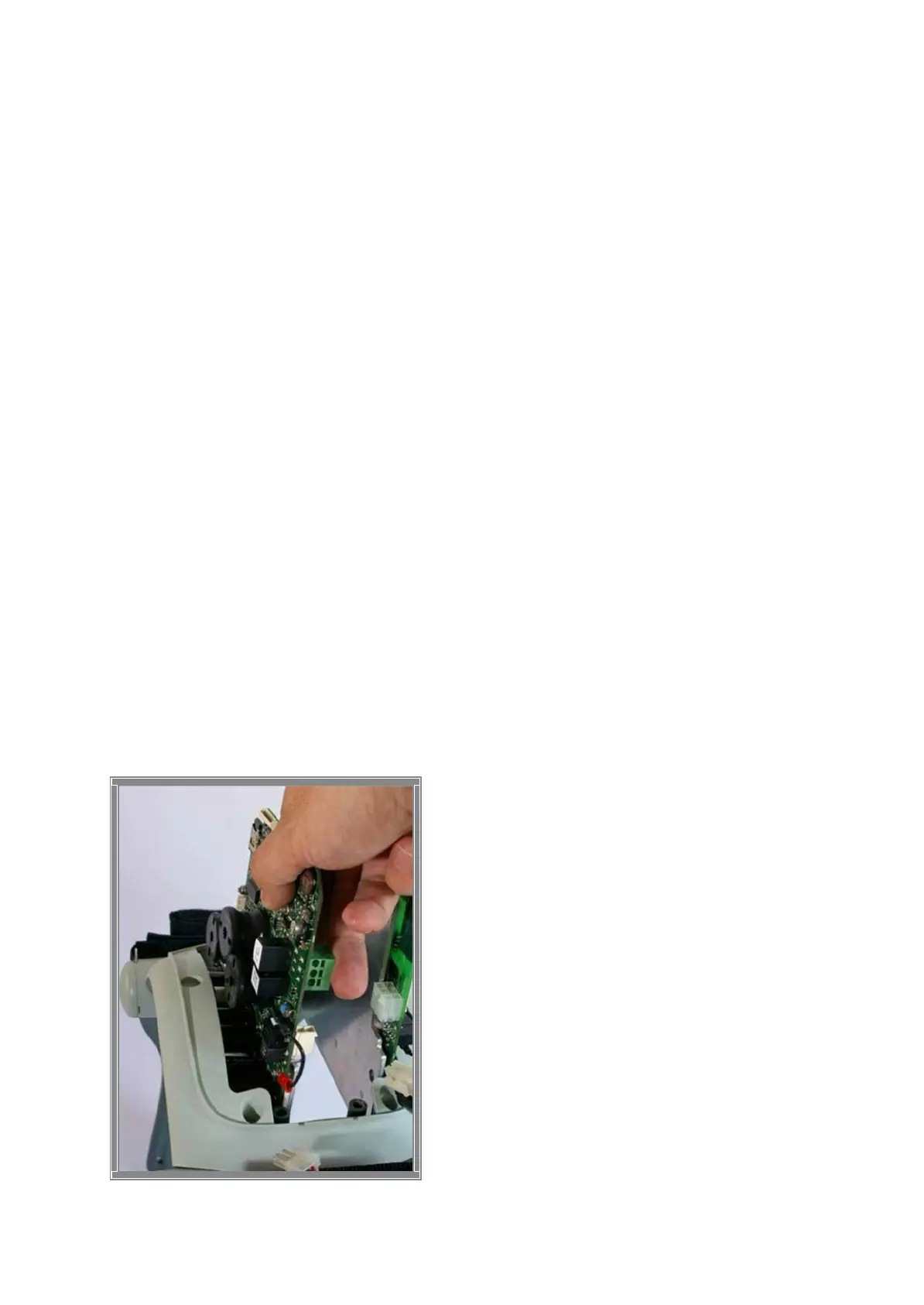
Remove the remaining screw from beneath and lift out the PCB carefully.
Remove SD-card from old Controller PCB. Check that the SD-card is intact and
readable/writeable. If SD-card is working properly keep it for the new Controller PCB.
Warning: Always use ESD protection when handling PCB’s!












 To Next Page