LUCAS® 2 Chest Compression System – Service Manual
3323809-001, © 2017 Physio-Control, Inc.
18
4.6. Checksum
To identify the installed program version, you can check the checksums acc. to table below:
A20C or
12C5
A20C or
4.7. Change Device ID
The Device ID (=Serial number of the device) can be set simply by typing in the wanted ID
(8 char), typically 3014XXXX. The ID is automatically saved. The software LUCAS2_V22
also shows the Battery S/N if the Battery contains this Serial number.
4.8. Set Time and Date
To set the time and date first make sure that time and date is correctly set at the computer,
then click “Set PC Time” or “Set PC Date”.
For Version 2.0, it may be necessary to temporarily set your computer’s regional settings to
Sweden for the format to take correctly.
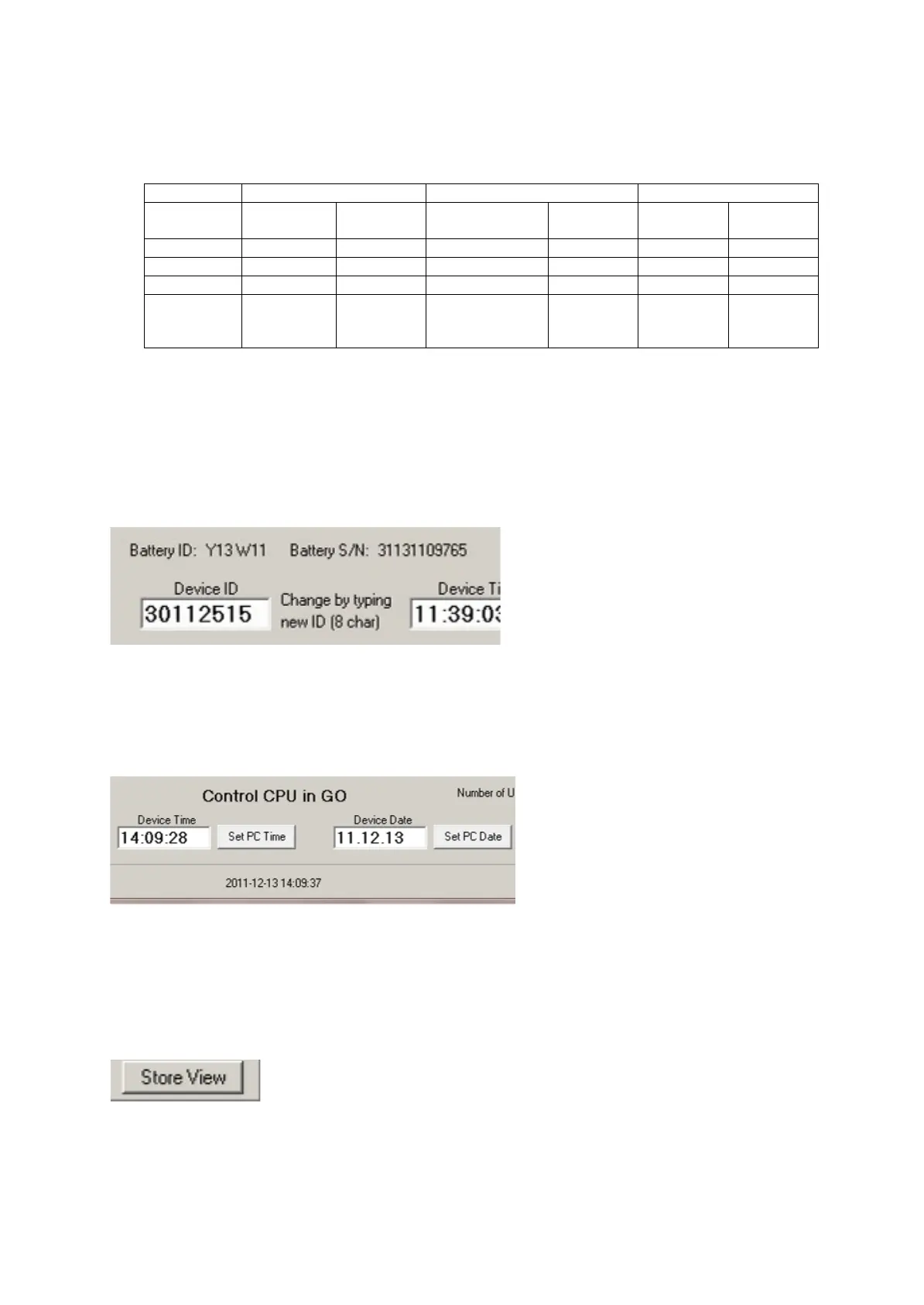
4.9. Store View
The view can be stored for future reference by clicking “Store View”.
The window will then be saved in a folder “Pictures” with the serial number as file name. At
the same time, the window will be printed at the selected default printer.
If no printer is connected a message will appear which can be cancelled. The picture will be
saved and can be printed at any time












 To Next Page