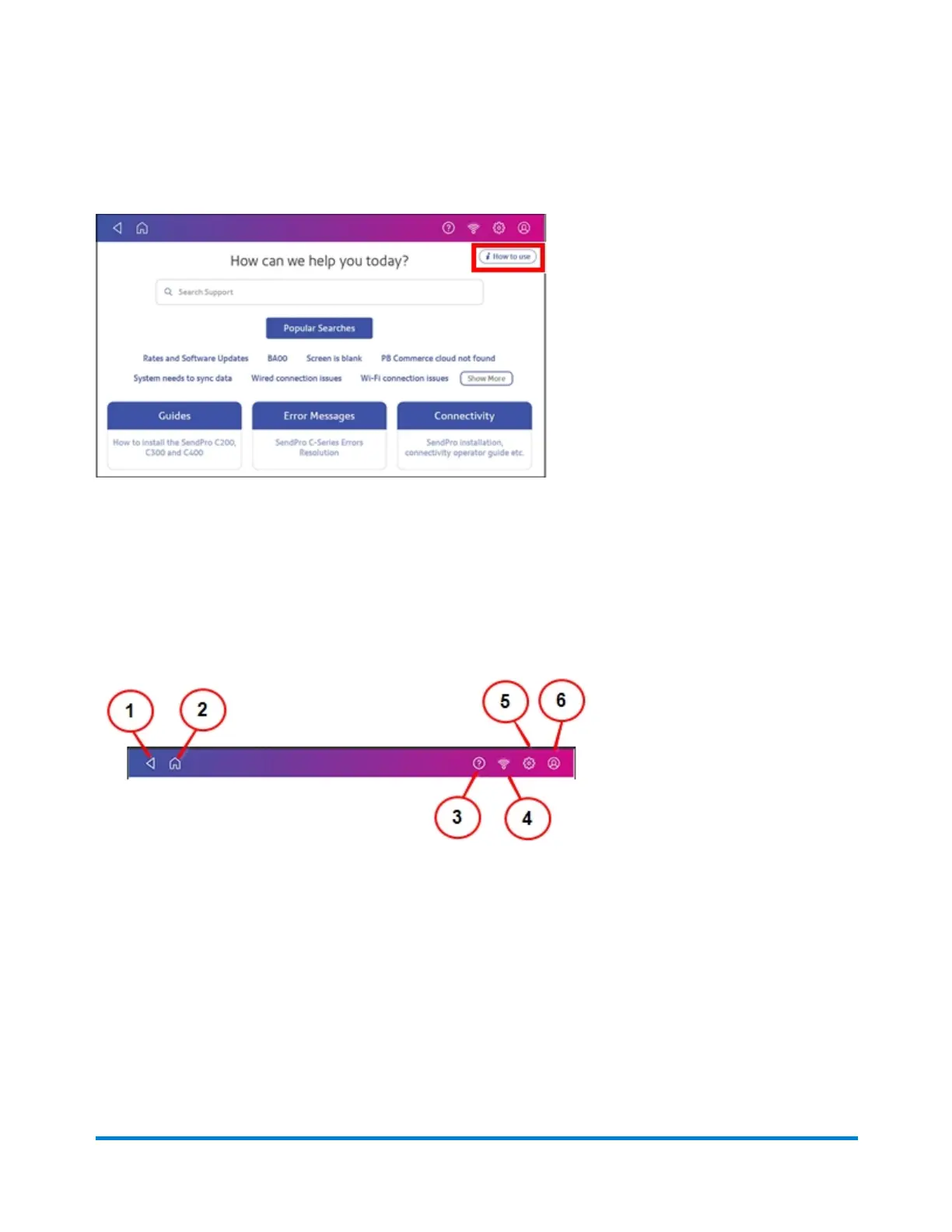
To learn how to use the SendPro Care app, tap on the i How to use icon on the main page of the
application.
The global toolbar
The toolbar at the top of the Home screen appears at the top of every screen within the Trackable Labels
or Shipping Labels and Envelope Printing or Print on Envelopes applications.
This toolbar allows you to view and change settings and defaults values for your device.
(1) Back - Return to the previous screen.
(2) Home - Return to the Home screen from anywhere in Trackable Labels or Shipping Labels or
Envelope Printing or Print on Envelopes.
(3) Tap the question mark in the toolbar to open the SendPro Care app.
Quick start guide
Pitney Bowes Operator Guide February 2021 12













 To Next Page