1. Tap Envelope Printing or Print on Envelopes on the Home screen.
2. Tap Preset.
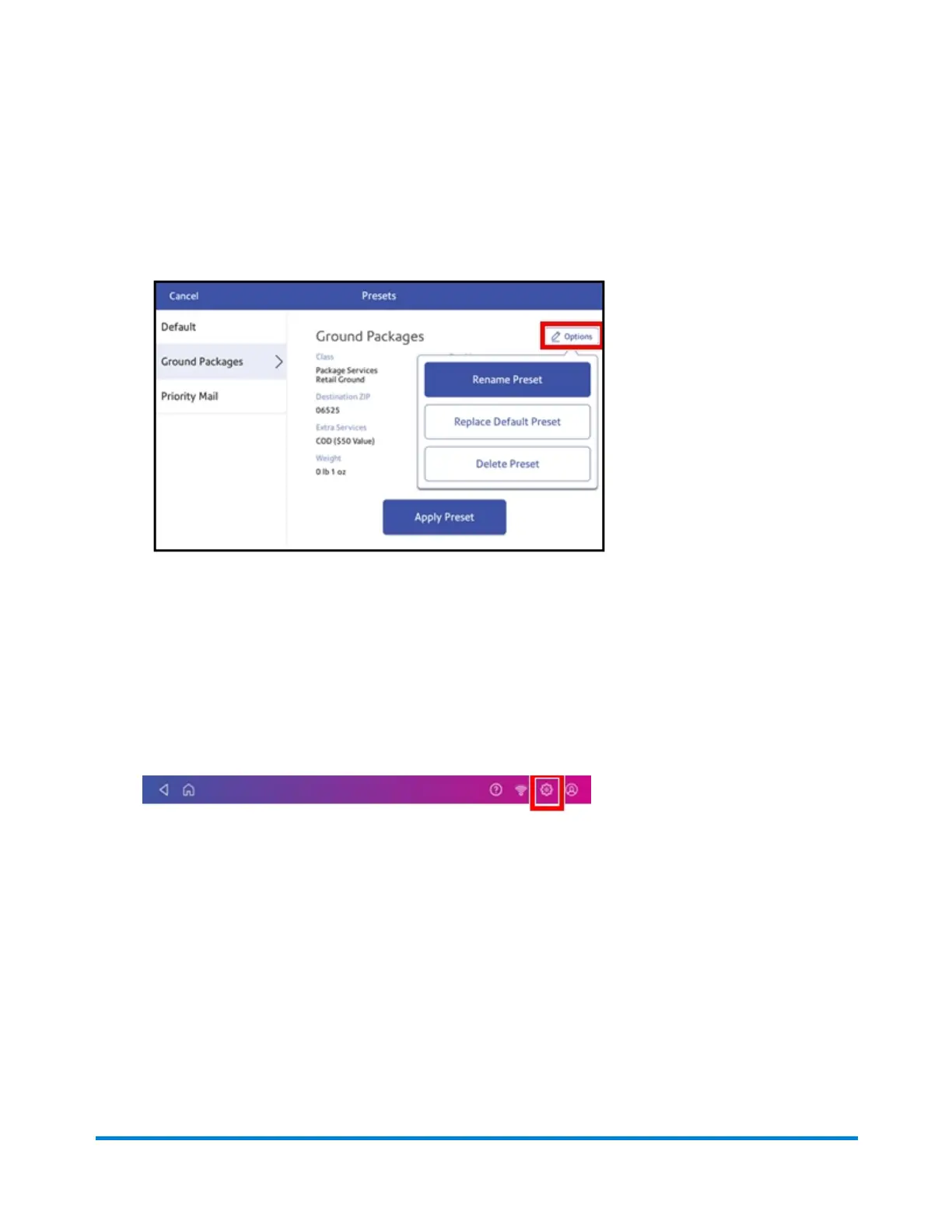
3. Tap the preset you wish to modify.
4. Tap Options.
5. Tap the option you want.
Setting the default preset reset time
You can set the length of time the default preset reverts to the default settings.
1. Tap Settings on the toolbar.
2. Scroll down to the Envelope Printer Settings section.
3. Tap Postage Refills.
4. Tap Default Preset Timer.
Managing Printing on Envelopes
Pitney Bowes Operator Guide February 2021 155













 To Next Page