14. Install the ink cartridge (see the label to the right of the cartridge holder).
15. Rotate the guard back to the closed position.
16. Close the cover; the ink cartridge moves back to the original position.
17. Tap Done.
18. Print a print test pattern to be sure that your printhead is working properly.
Cleaning the moistener brush and wick assembly
Clean the moistener brush and wick if the moistener tank is full and your envelopes are not sealing
properly.
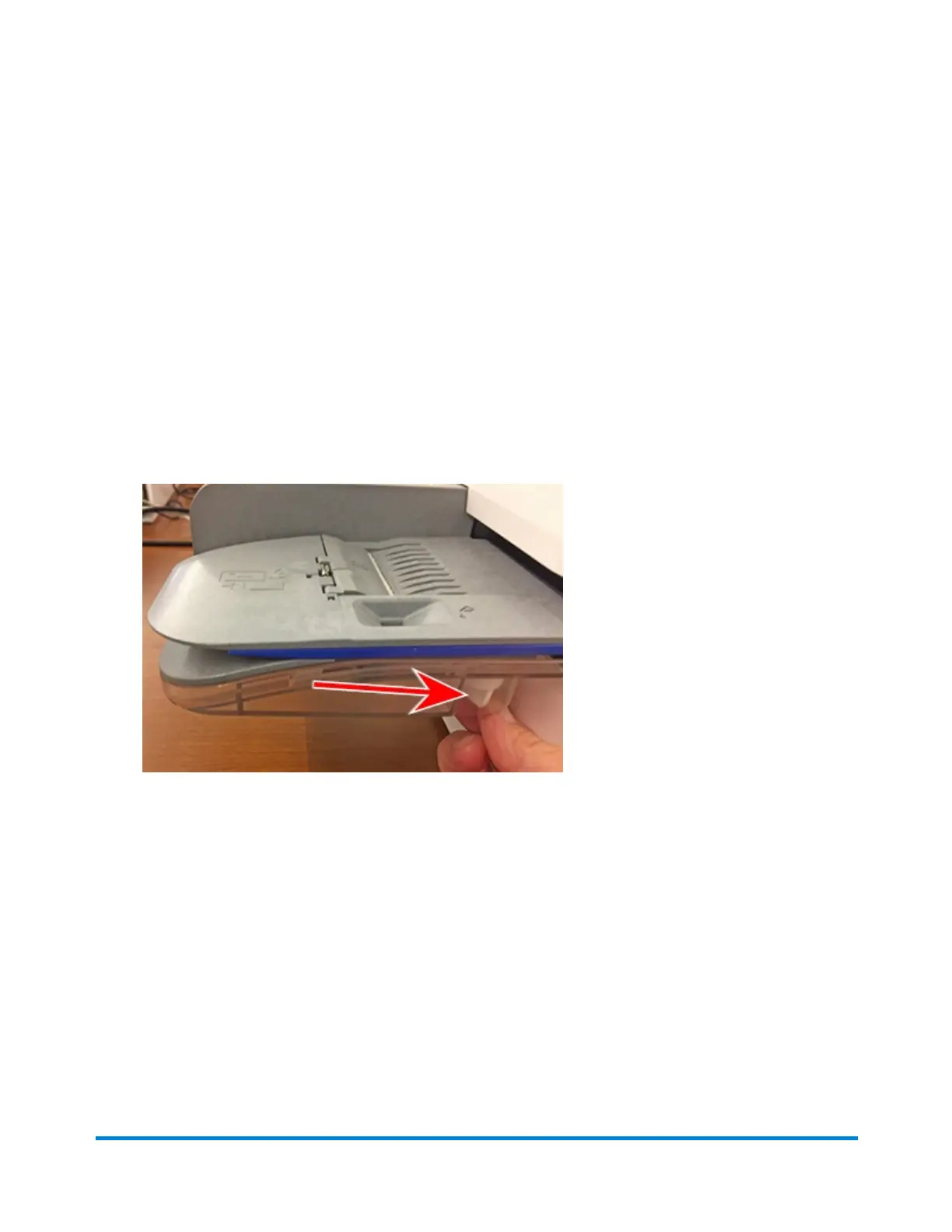
1. Unscrew the plastic thumbscrew under the moistener base.
Maintenance
Pitney Bowes Operator Guide February 2021 182













 To Next Page