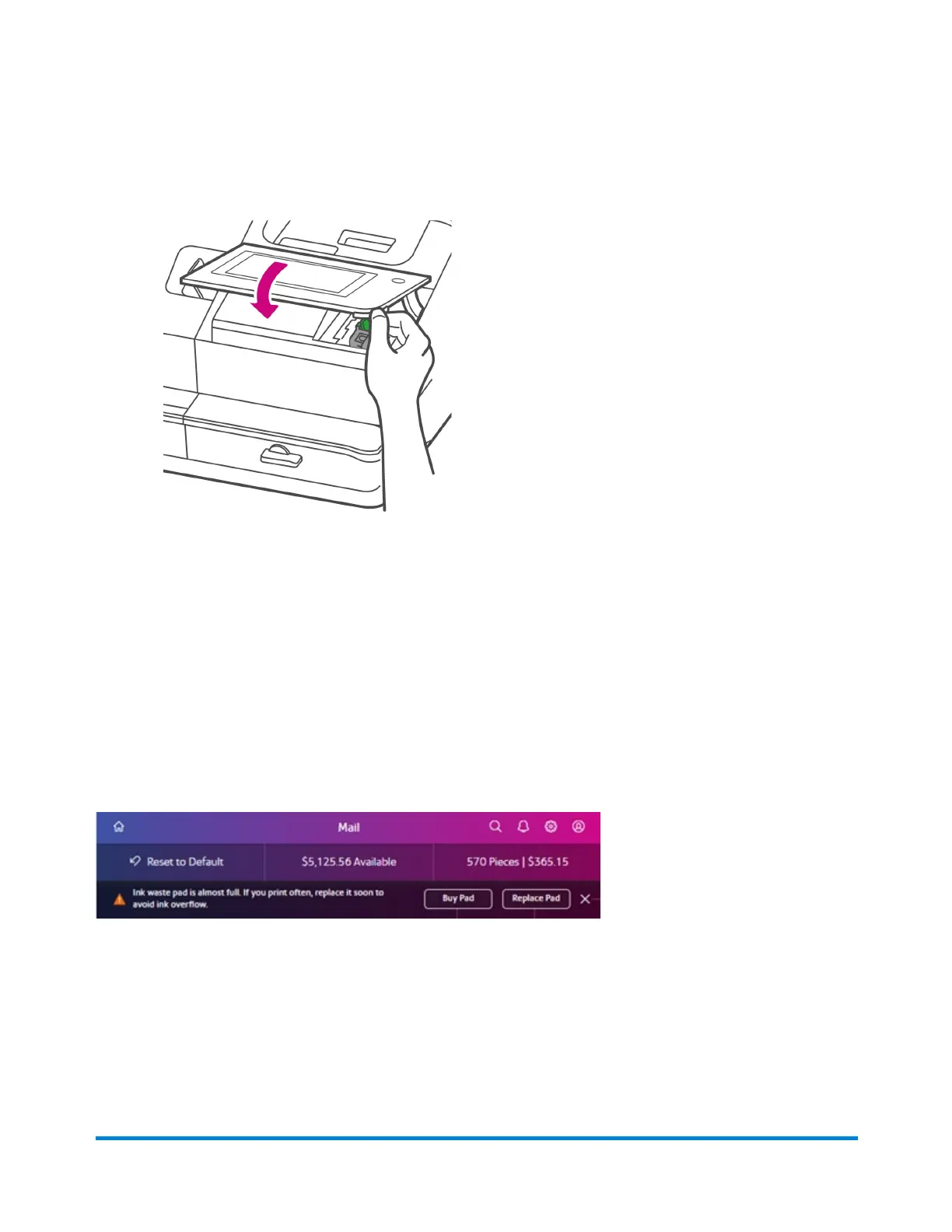
7. Close the top cover.
8. The cartridge repositions itself and the Mail Printer Maintenance screen appears.
9. Print a test pattern to ensure that your ink cartridge installs properly.
Changing the ink waste pad
Your device catches excess ink in a waste tank with a disposable pad. You will receive the following
message at the top of the Envelope Printing or Print on Envelopes screen approximately 30 days before
the ink waste tank becomes full:
"Ink waste pad is almost full. If you print often, replace it soon to avoid ink overflow."
If the message is showing on the screen follow these steps:
To purchase replacement waste pad
Tap Buy Pad. The Supplies app appears where you can order a new pad right from the device.
Maintenance
Pitney Bowes Operator Guide February 2021 170













 To Next Page