6. Tap View Receipt to view or print a receipt.
7. Tap Done.
8. Your updated postage balance appears on the Envelope Printing or Print on Envelopes screen.
Sealing envelopes
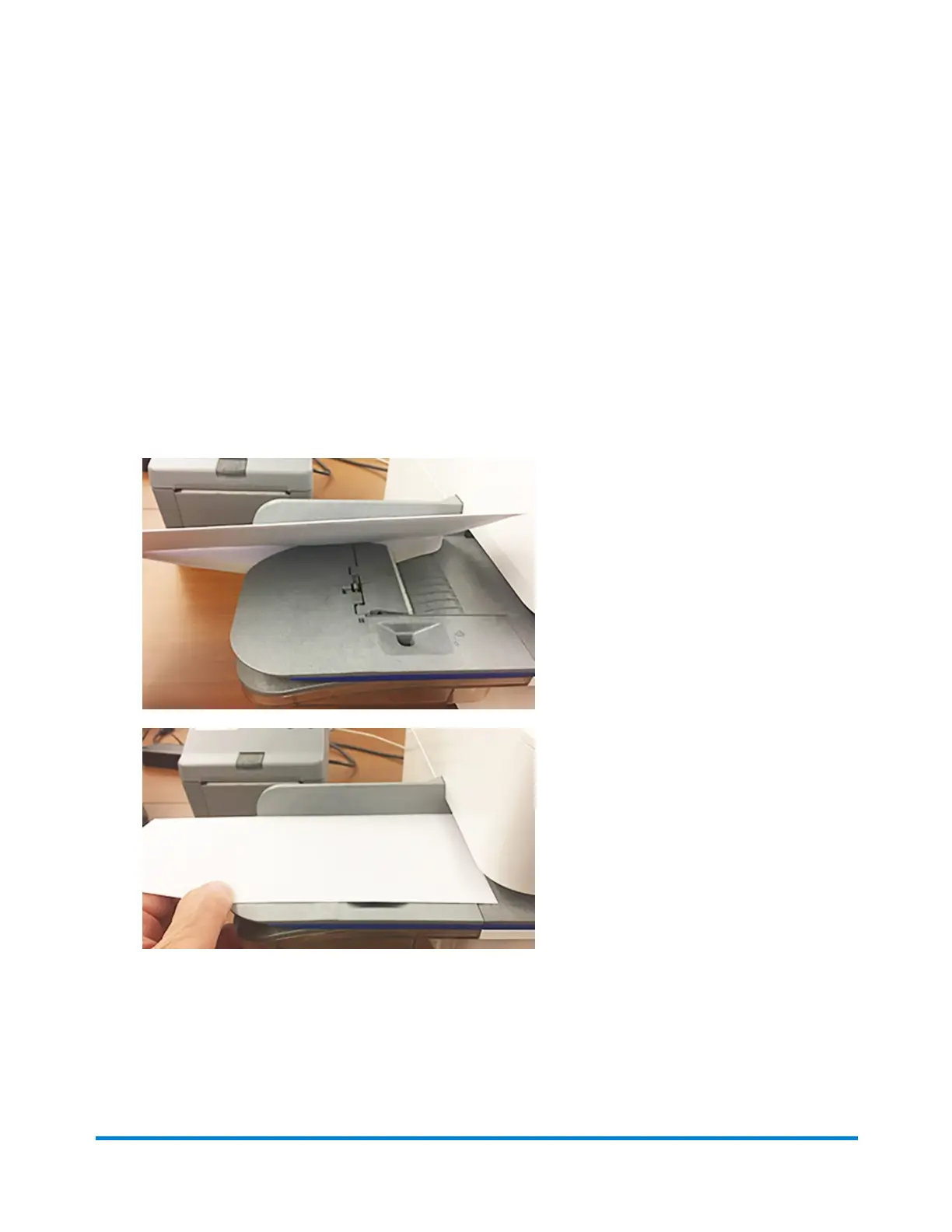
Use the moistener on your device to seal your envelopes. You can seal envelopes whether you are
printing postage or only sealing the envelopes (no postage).
1. Check the level of sealing solution in the moistener tank. Add more if required.
2. Slide the envelope flap under the edge of the feed deck so the moistener can wet the flap.
Important: If the moistener tank is full and your envelopes do not seal correctly, clean or replace the
moistener brush and wick.
Quick start guide
Pitney Bowes Operator Guide February 2021 35













 To Next Page