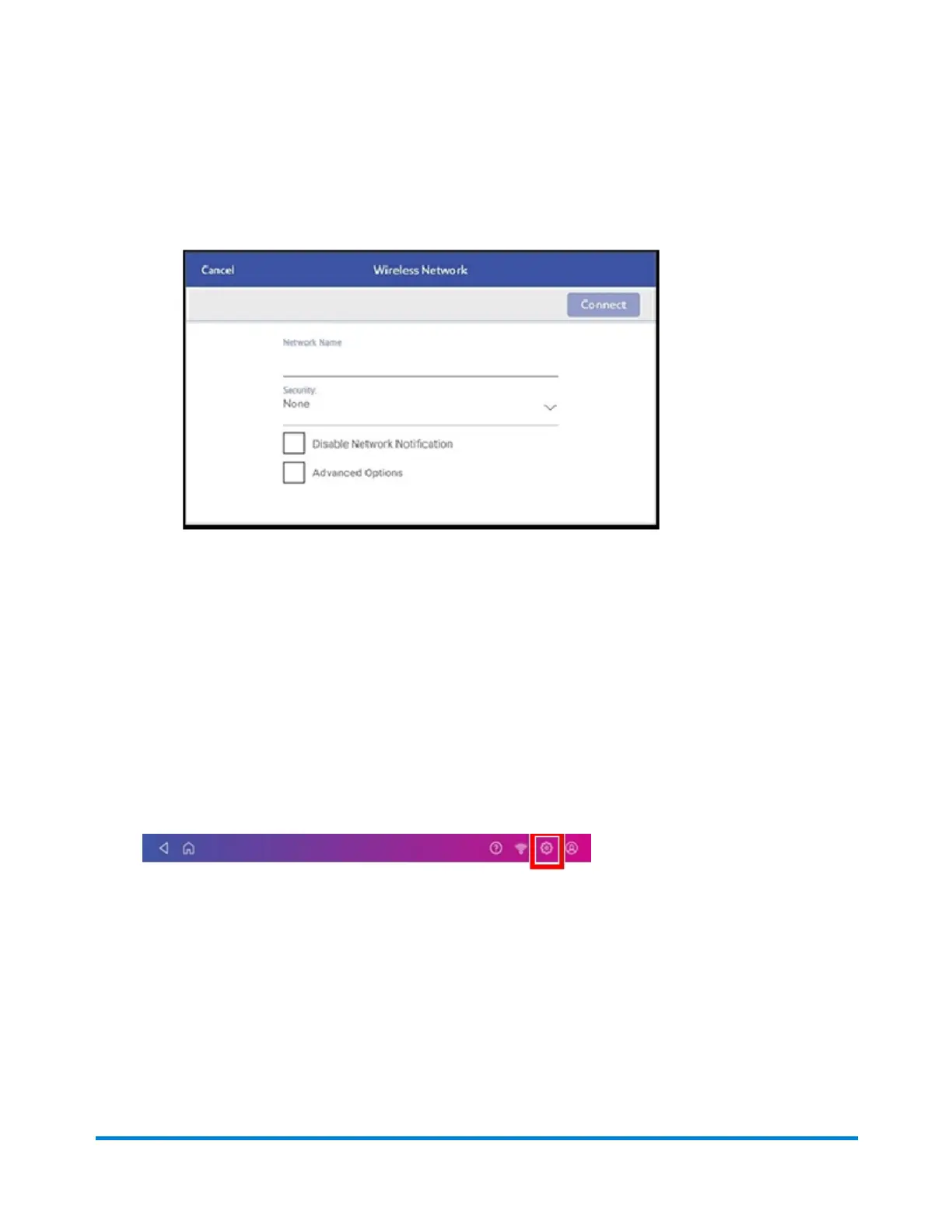
4. For each of the following steps, please consult with your IT department if you are not a technical
person:
a. Tap the down arrow in the Security field and select the security method.
b. Tap Advanced Options to enter a static IP or set up a proxy.
5. Tap Connect when done.
Deleting a Wi-Fi network
Delete a Wi-Fi network if:
l You don't want your device to automatically connect to that network or
l You need to resolve a wireless network issue.
1. Tap Settings on the toolbar.
2. Tap Wi-Fi in the device& Network section to see a list of available networks.
Connectivity information
Pitney Bowes Operator Guide February 2021 49













 To Next Page