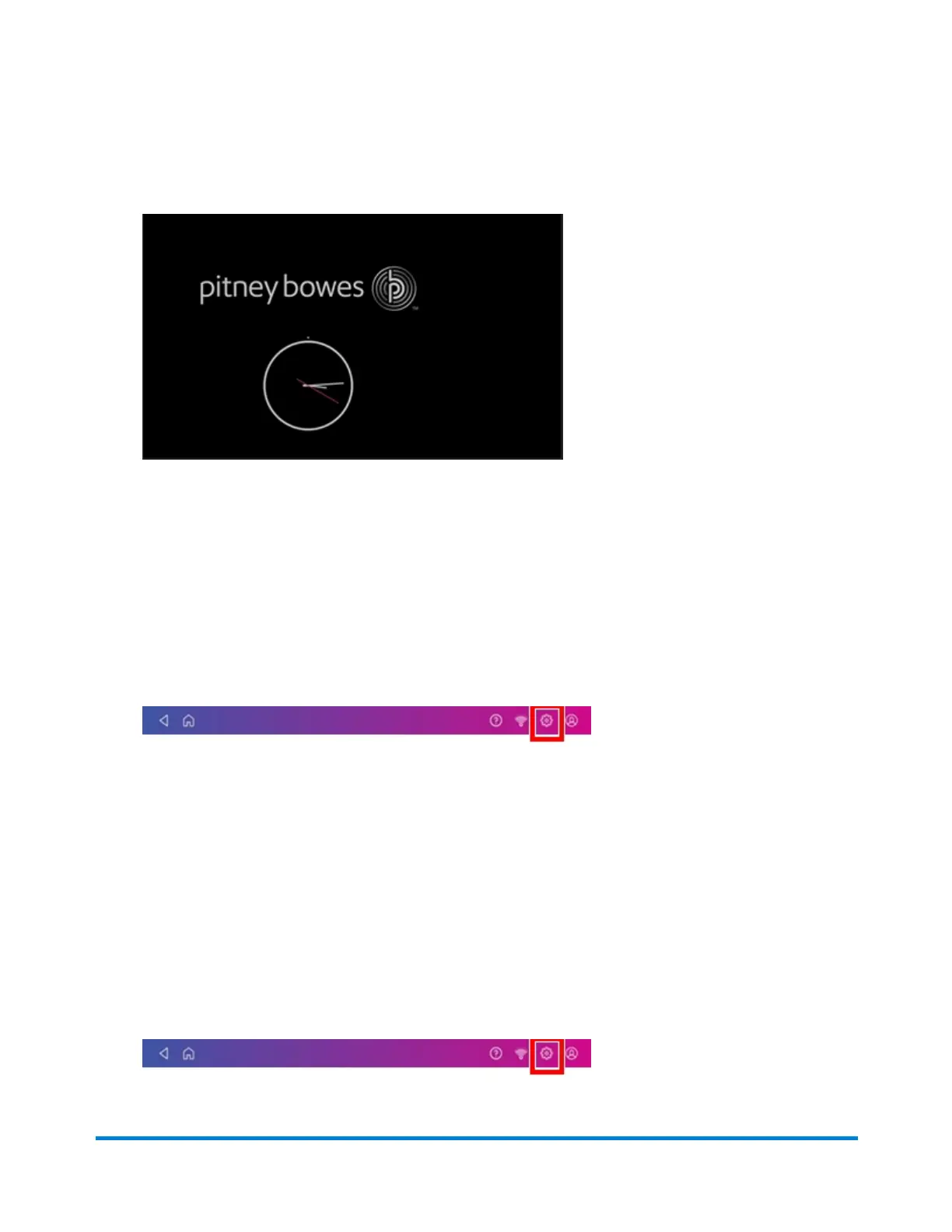
2. Tap Lock this device. The screen saver displays shortly after the "device is Locked" screen
displays.
If you forget your Security PIN, tap on the Forgot PIN? link to get help.
Adjusting time zone and location code
When you move your device to a new location or install a new scale, you must modify the location and
time zone values.
1. Tap Settings on the toolbar.
2. Tap Location & Time Zone.
3. Enter the new Location Code. See the list of location codes in the related topics section.
4. Enter the Time Zone.
5. Tap Apply.
Adjusting display brightness
Set the brightness of the display to suit your work space.
1. Tap Settings on the toolbar.
Managing your device
Pitney Bowes Operator Guide February 2021 59













 To Next Page