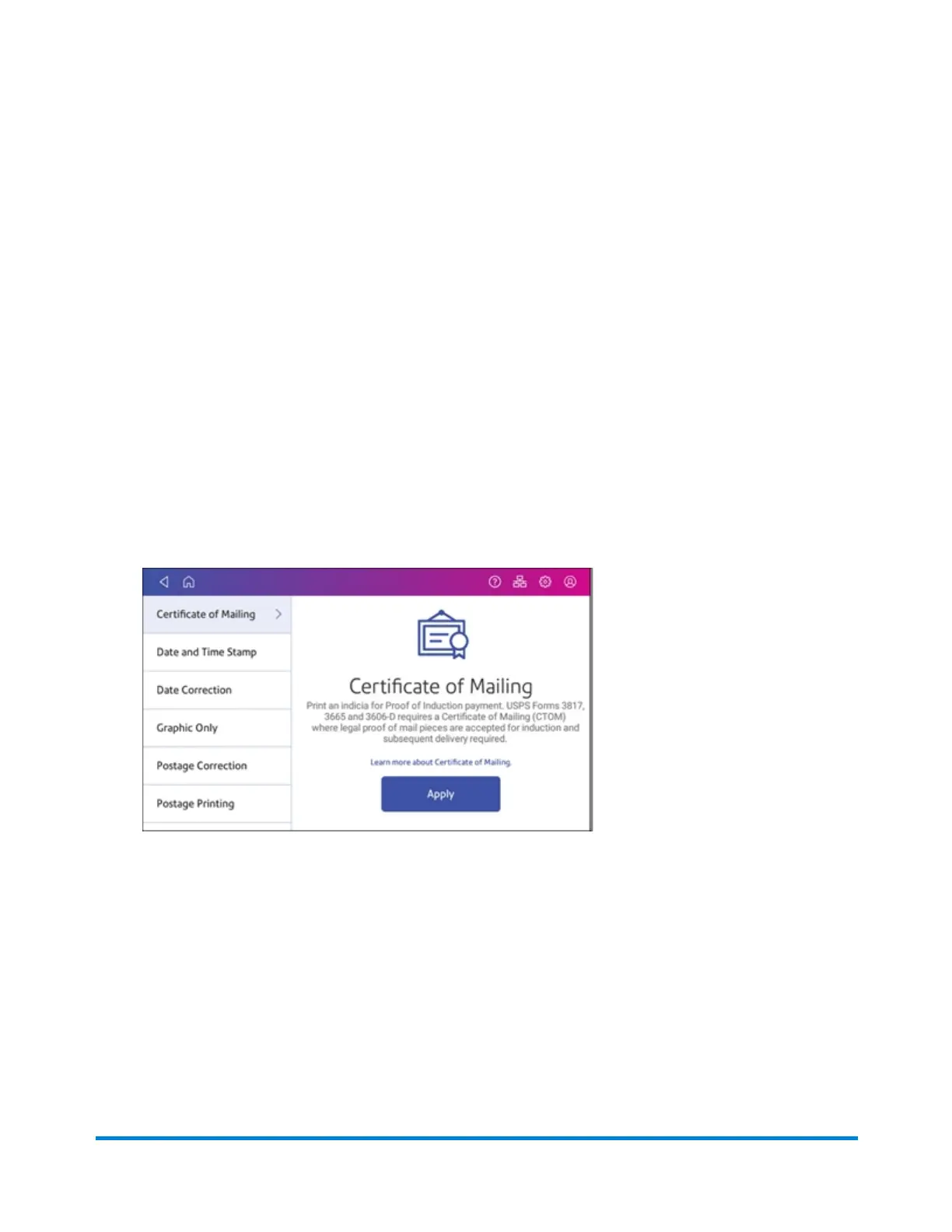
You can only obtain a Certificate of Mailing from the USPS. A Certificate of Mailing is a receipt that
provides evidence of the date that you took your mail to the USPS for mailing. You cannot produce this
certificate with your device. It is a record of when you turned the mailpiece over to the Post Office and you
can only get it from the USPS.
1. Fill out the USPS postal forms 3606-D, 3665, or 3817. Obtain these at the Post Office or online at
the USPS website.
2. Calculate the fees for all of the mailpieces. This can include the cost of the Certificate of Mailing
fees as well as the total postage amount.
3. Tap Envelope Printing or Print on Envelopes on the Home screen.
4. If you have the accounting feature enabled, tap Account and select an account.
If your device's model number is 8H00 or 9H00 and if you have only a single account, once you
select that account the device will remember that account the next time you start Envelope Printing
or Print on Envelopes.
5. Scroll down and tap Print Mode on the Envelope Printing or Print on Envelopes screen.
6. Tap Certificate of Mailing.
Quick start guide
Pitney Bowes Operator Guide February 2021 31













 To Next Page