If you will be using the Create Shipping Labels application to create shipping labels, you will need the
email address and password for that account
If you have logged into Your Account on Pitney Bowes, or if you have used SendPro Online to send a
package, you can link to that account and use that email address and password.
If you do not have an shipping label account, you will have the option of creating one during the
installation.
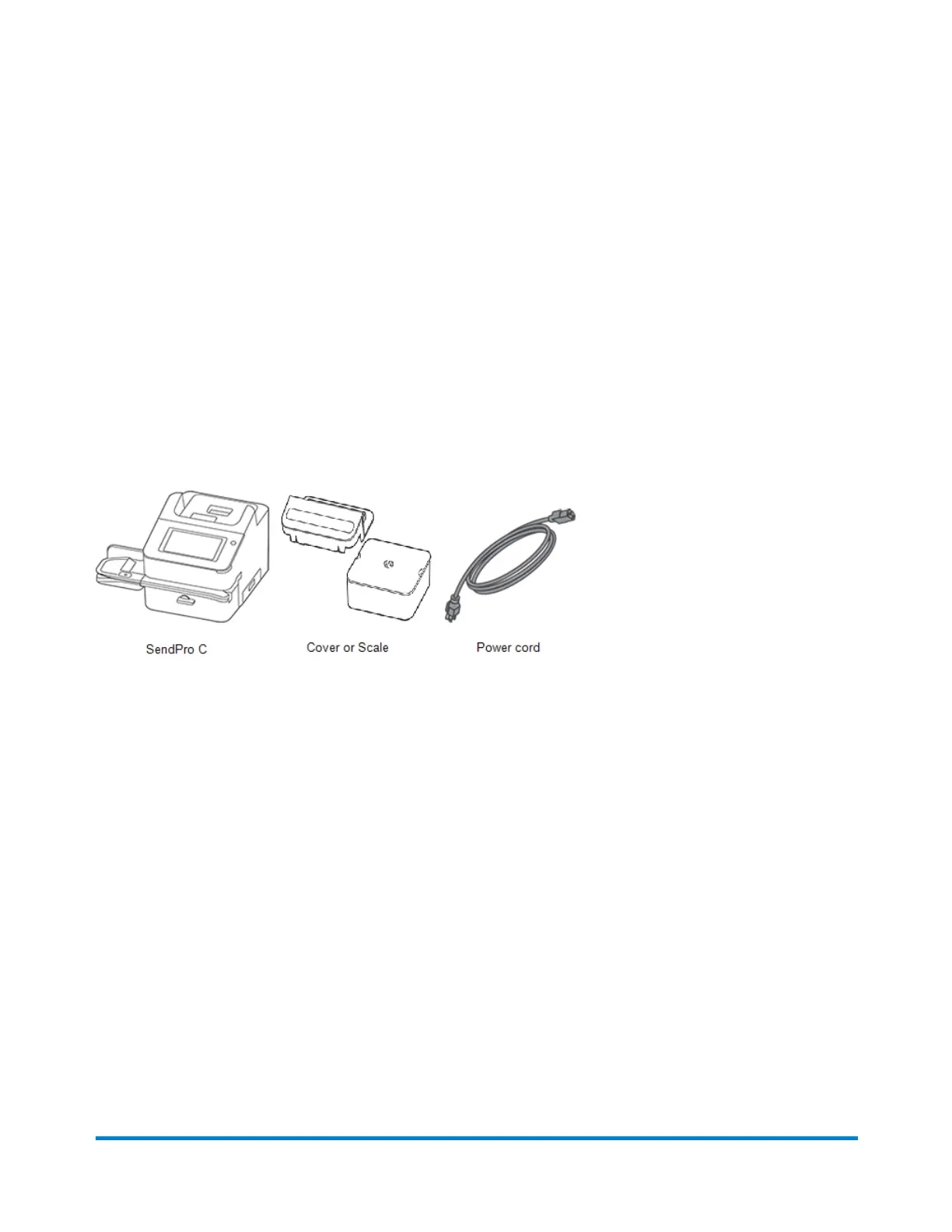
Open the box
Here's a diagram and explanation of the items you should find in your box. If anything is missing, please
contact Pitney Bowes.
Managing your device
Pitney Bowes Operator Guide February 2021 63













 To Next Page