Planmeca ProMax 3D Max with ProTouch 19
3D PATIENT EXPOSURE
User’s Manual
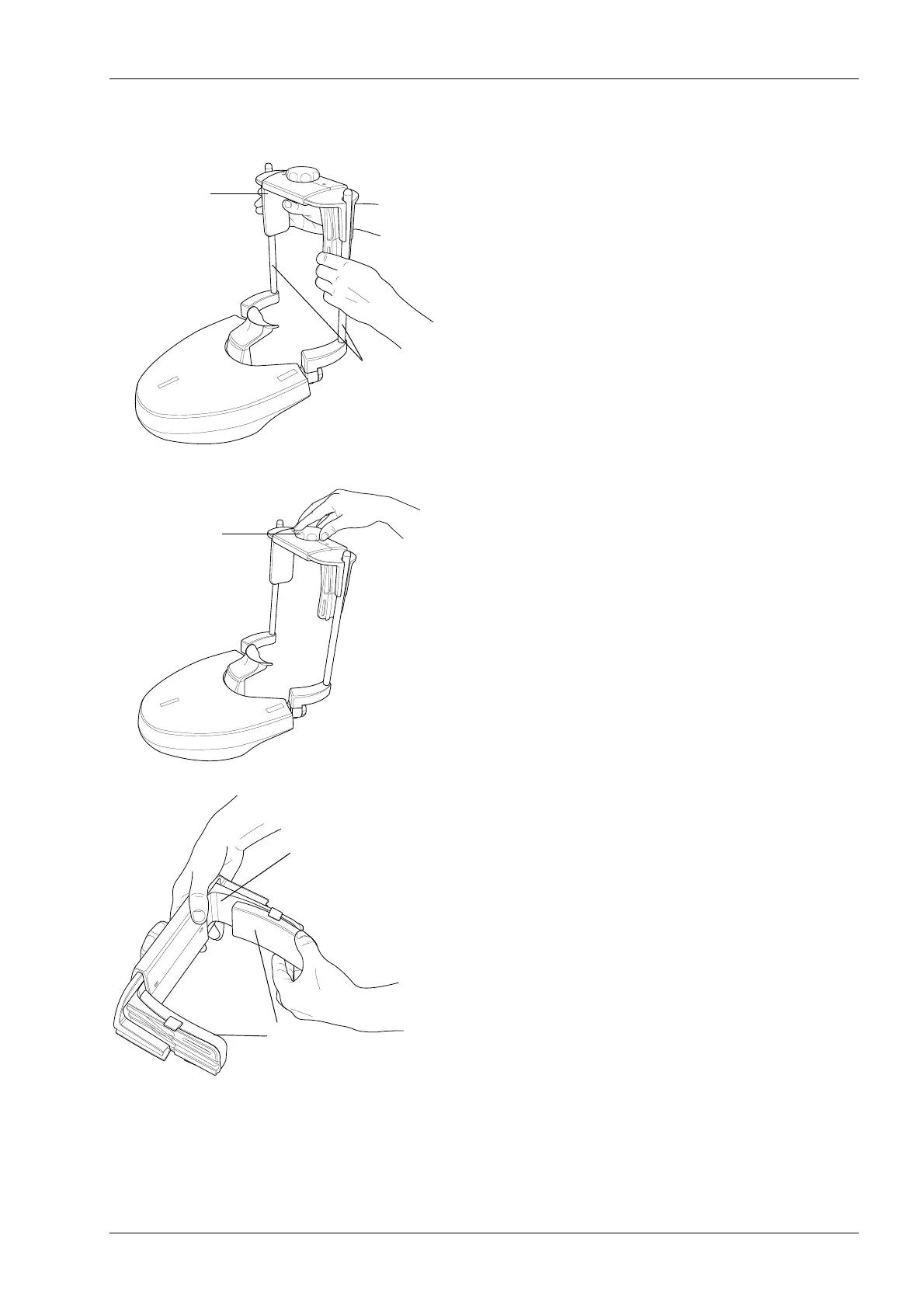
Attaching adjustable head support
If you are using the adjustable head support, slide it onto
the support bars.
Then turn the adjusting knob to adjust the head support to
suit the size of the patient’s head.
• You can use temple pads if you take exposures of
children or patients with a small head. Slide the temple
pads onto the adjustable head support as shown.
Ensure that you slide the temple pads as far up as they
will go.
NOTE Use temple pads on both sides (not on one side only).
Head_support_attach.eps
Adjustable
Support bars
head support
Head_support_tightening_knob.eps
Head_support_attach_2.eps
Adjustable
head support
Temple pads
for children














 To Next Page