Planmeca ProMax 3D Max with ProTouch 25
3D PATIENT EXPOSURE
User’s Manual
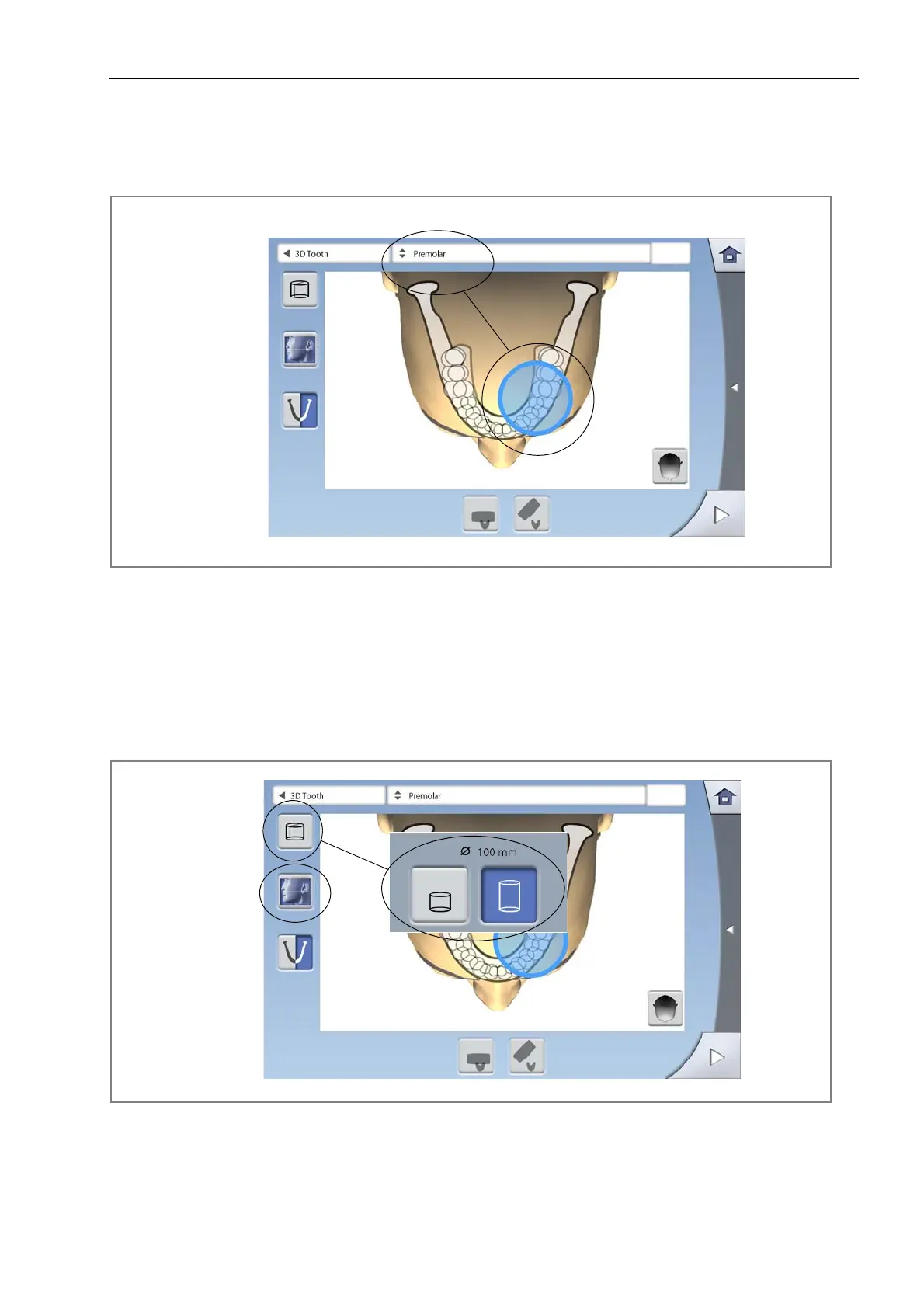
8.2.6 Selecting volume position
Touch the area that you wish to expose. Alternatively, you
can select the volume position from the drop-down menu
at the top.
NOTE The available options depend on the selected
program.
8.2.7 Selecting volume height and jaw half
Use the first button on the left of the screen to select the
volume height.
Use the second button on the left of the screen to select
the jaw half that you wish to expose.
NOTE The available options depend on the selected
program.
OR
Select from list
Select from screen
Select
volume height
Select
jaw half
(lower / upper /
both halves)














 To Next Page