Planmeca ProMax 3D Max with ProTouch 47
SETTINGS
User’s Manual
11 SETTINGS
NOTE Some of the settings can be used to alter the operation
of the X-ray unit. Never use functions that you are not
familiar with.
NOTE The contents of the displays depend on the unit
configuration. The displays shown here are from an X-
ray unit featuring all currently available programs and
functions.
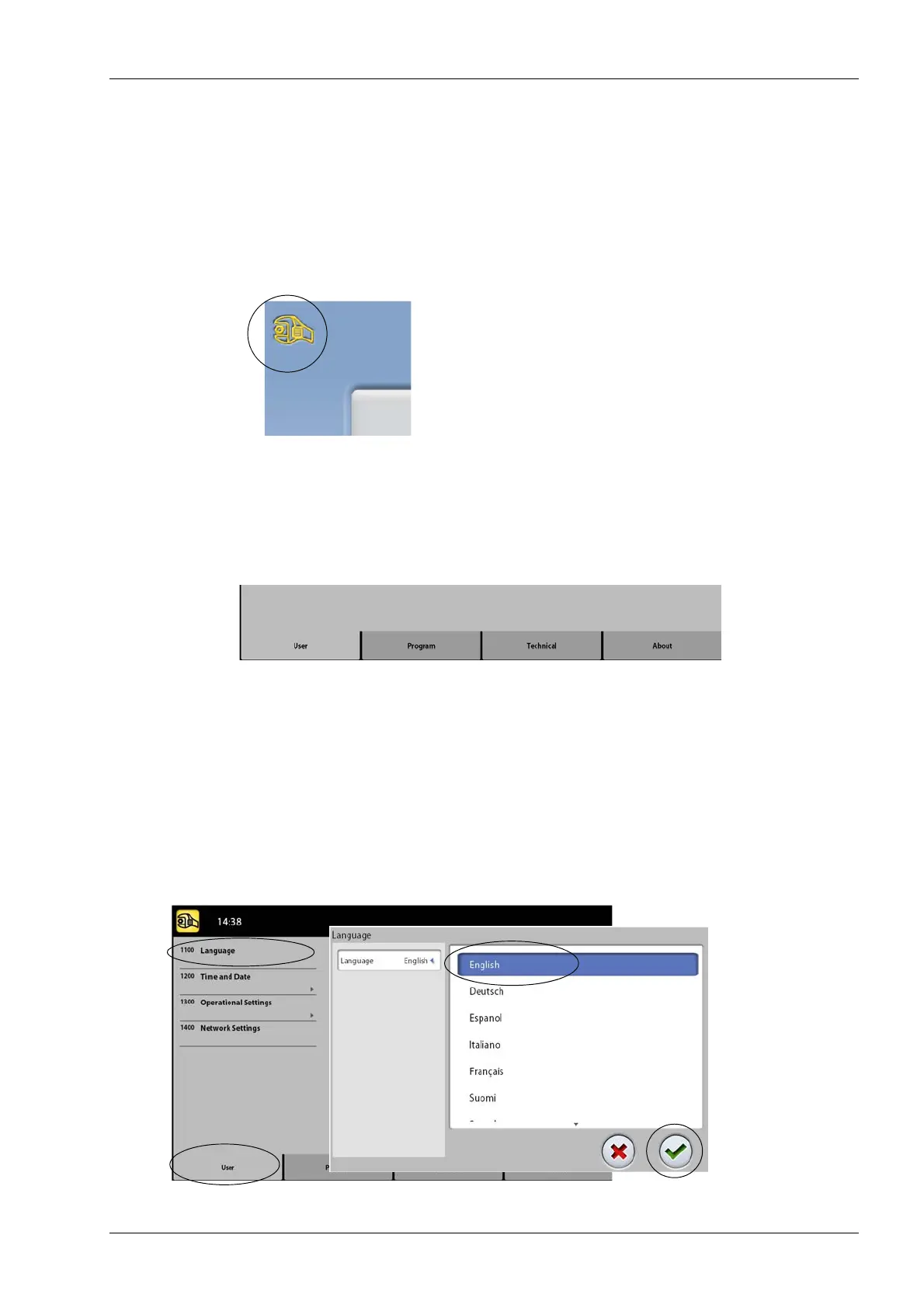
Select the service spanner at the top left corner of the
main view to enter the settings menu.
Functions that can be entered by the user:
• User
• Program
• About
Functions that can be entered by service personnel only
(password required):
• Technical
To return to the main view, select the service spanner at
the top left corner.
11.1 User settings
11.1.1 Language (1100)
To change the language, select User > 1100 Language.
Then select the language you wish to use.














 To Next Page