3D PATIENT EXPOSURE
24 Planmeca ProMax 3D Max with ProTouch
User’s Manual
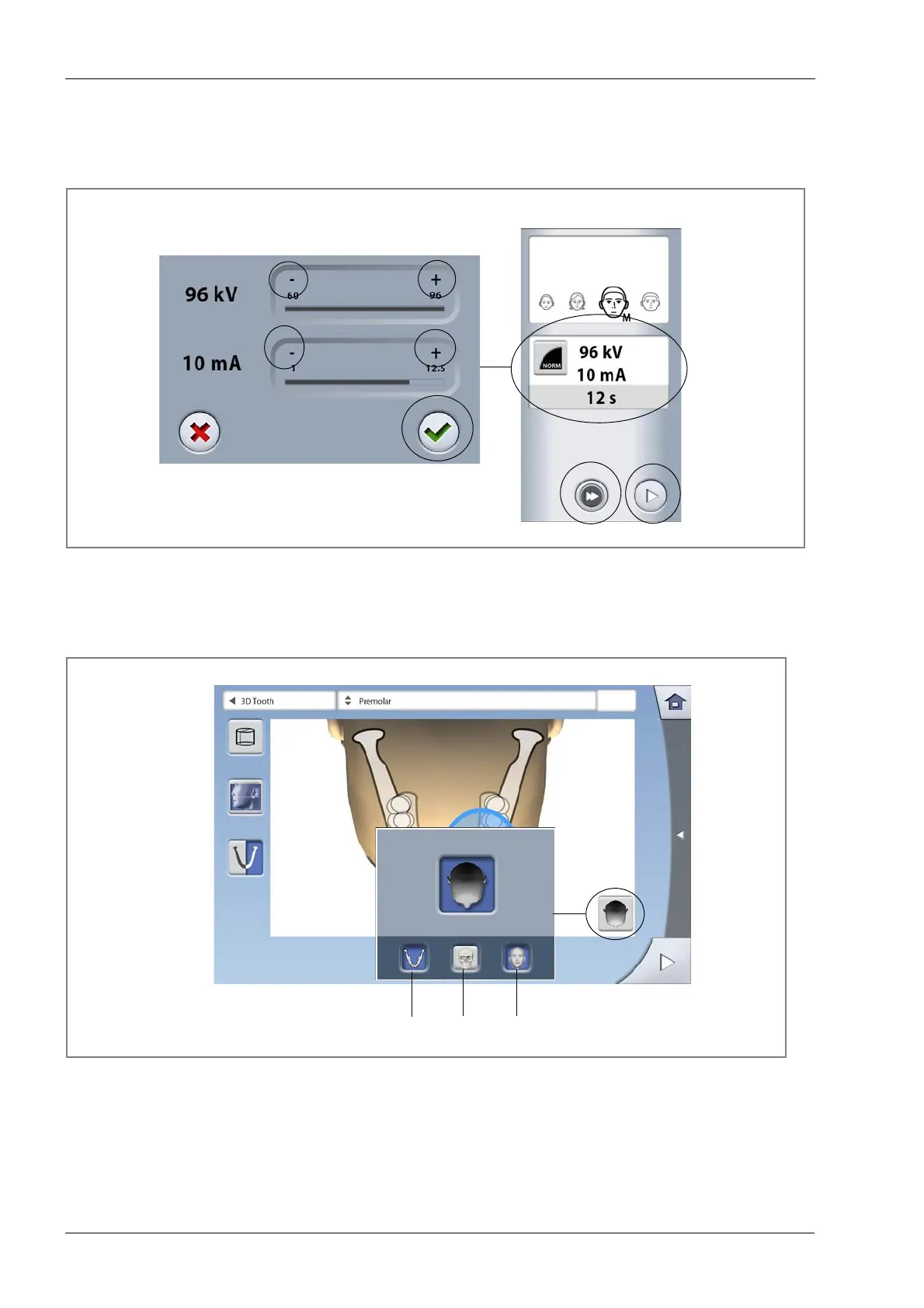
You can adjust the preset exposure values (kV and mA).
To improve the image contrast, reduce the kV value. To
reduce the radiation dose, reduce the mA value.
• To adjust the exposure values:
8.2.5 Selecting screen view
Use the button on the right of the screen to select the view
that you wish to use on this screen.
NOTE You can select one or more options. If all three buttons
are gray (no option selected), the screen shows the
preset volume positions for the selected program.
Adjust
exposure
values for
this exposure
Reduce
value
Increase
value
Forward
Fast forward
(skip next screen)














 To Next Page